Appearance
How to Configure Email Settings
Last update: 05 Nov 2024
Follow the steps below to configure email settings in UltimateQR.
Configure Email from the Admin Panel
Log in to your UltimateQR Admin Panel and navigate to:
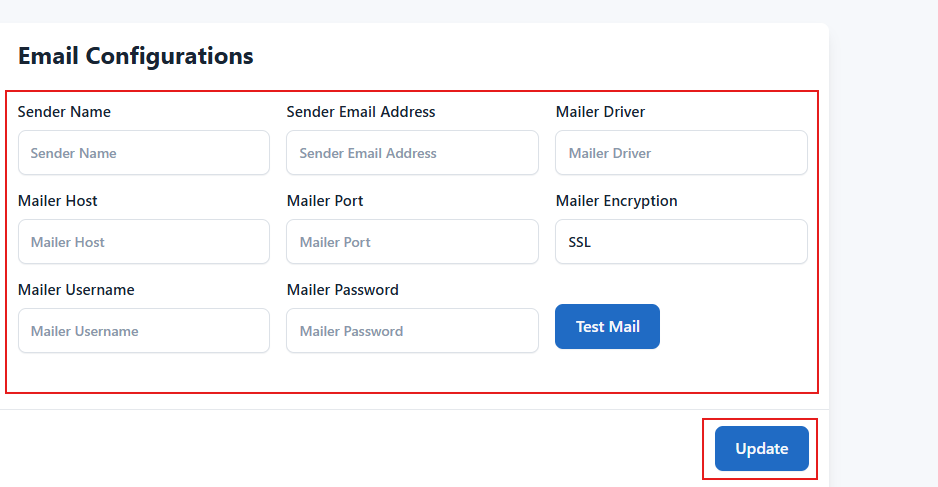
Settings -> General Settings -> Email Configuration
Enter your mail server details, then click Update to save the configuration.