Appearance
How to Configure PayPal?
Last update: 18 Apr 2025
Step 1: Sign In to PayPal
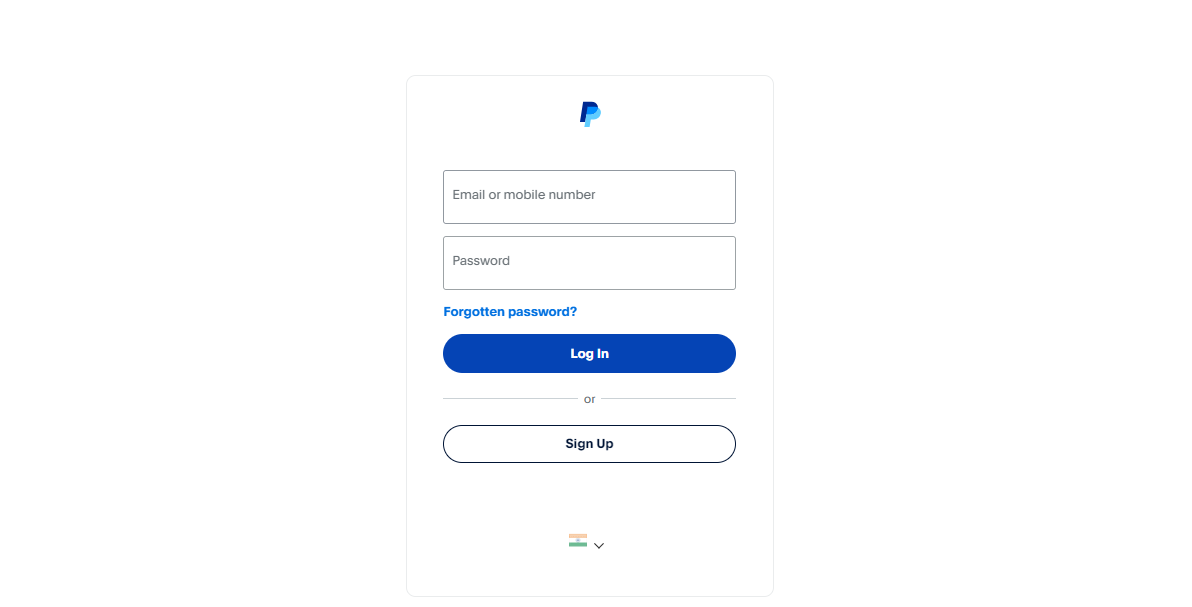
Go to PayPal.
If you already have a PayPal account, sign in. Otherwise, create a new account.
Step 2: Choose an Account Type
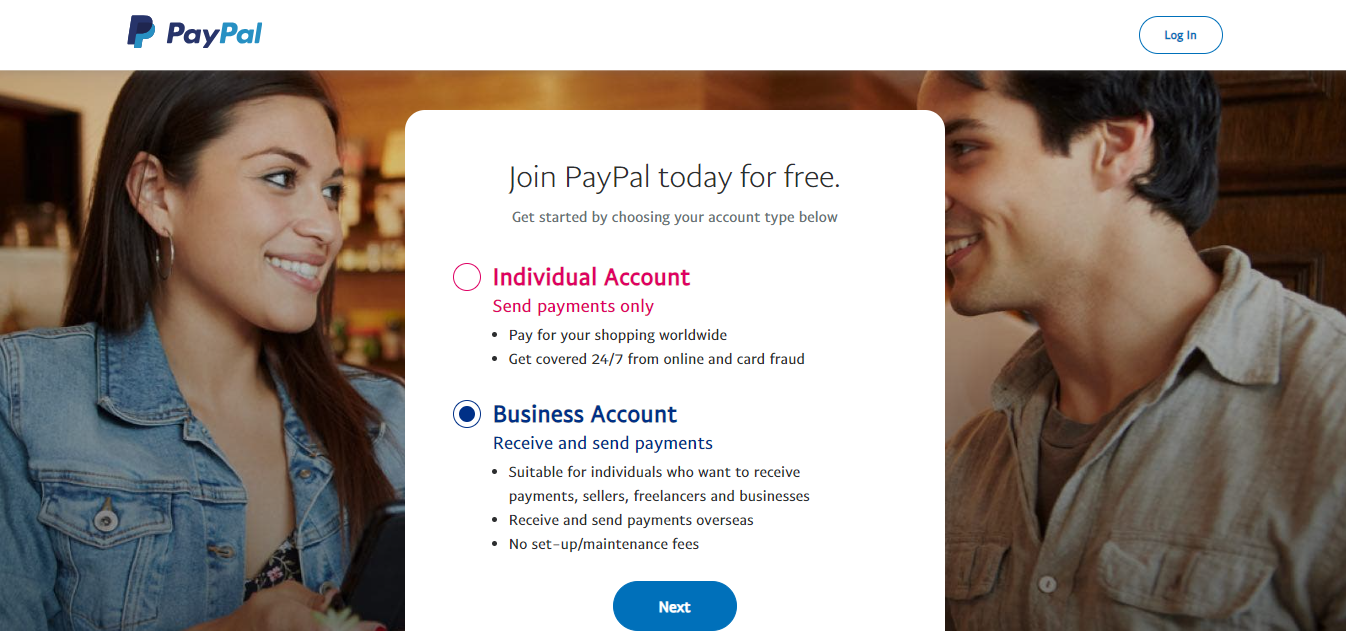
Choose either a Personal or Business account based on your requirements, and complete the account setup.
Step 3: Get the Client ID and Secret Key
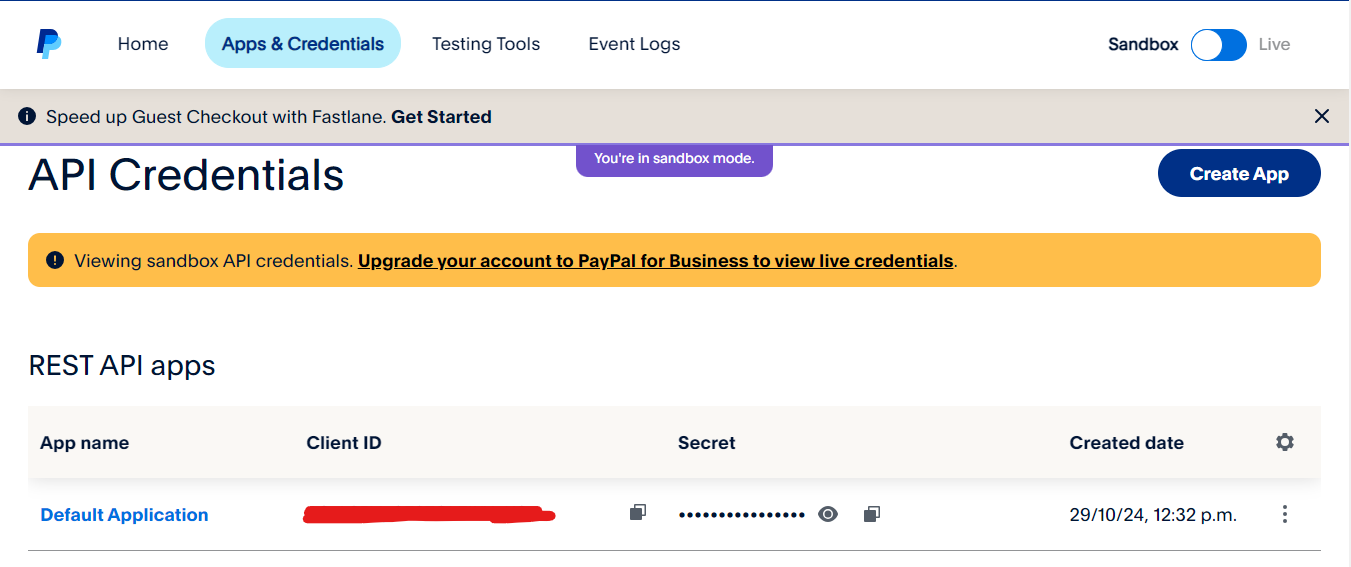
Sign in to the PayPal Developer Dashboard and create a new application.
Choose:
- Sandbox mode for testing.
- Live mode for production.
After creating the application, copy your Client ID and Secret Key.
Step 4: Configure PayPal in the Admin Panel
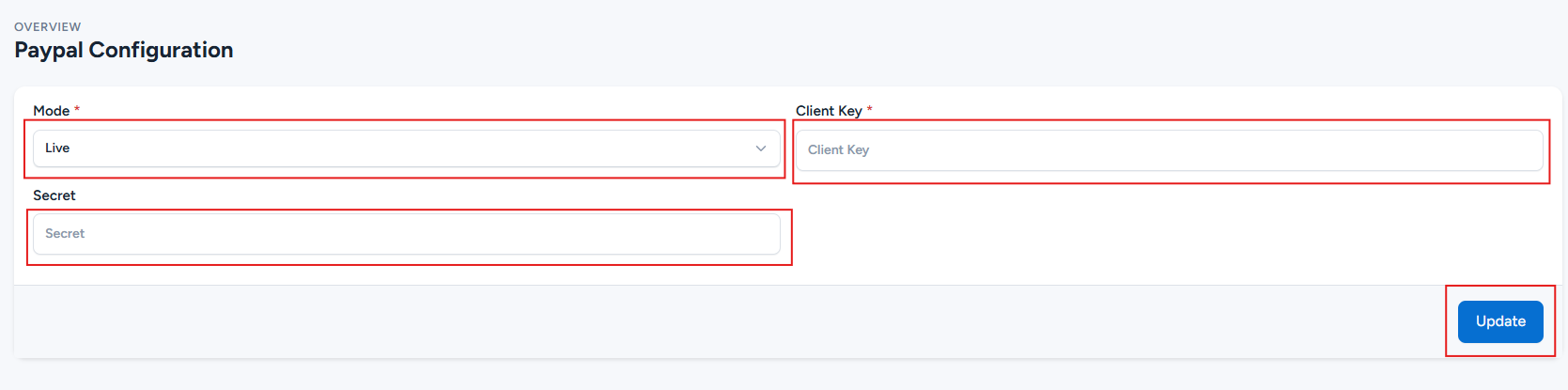
Log in to your Link AI Admin Panel and navigate to:
Payment Methods -> PayPal -> Configure
Enter your Client ID and Secret Key, then click Update to save the configuration.