Appearance
How to Configure Stripe?
Last update: 18 Apr 2025
Step 1: Sign In to Stripe
Go to Stripe.
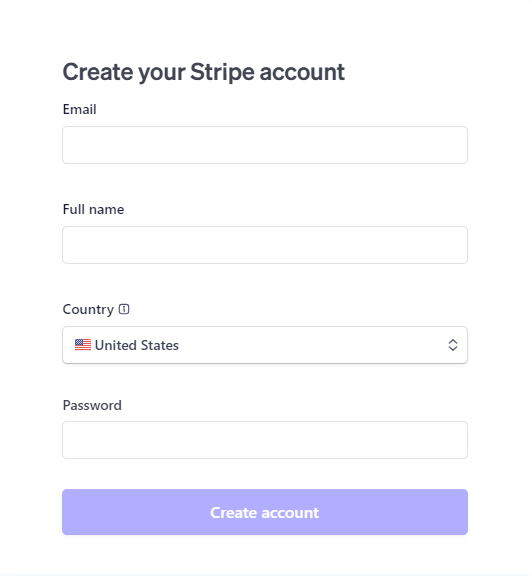
If you already have a Stripe account, sign in. Otherwise, create a new account and make sure it is activated and verified.
Step 2: Get the Publishable Key and Secret Key
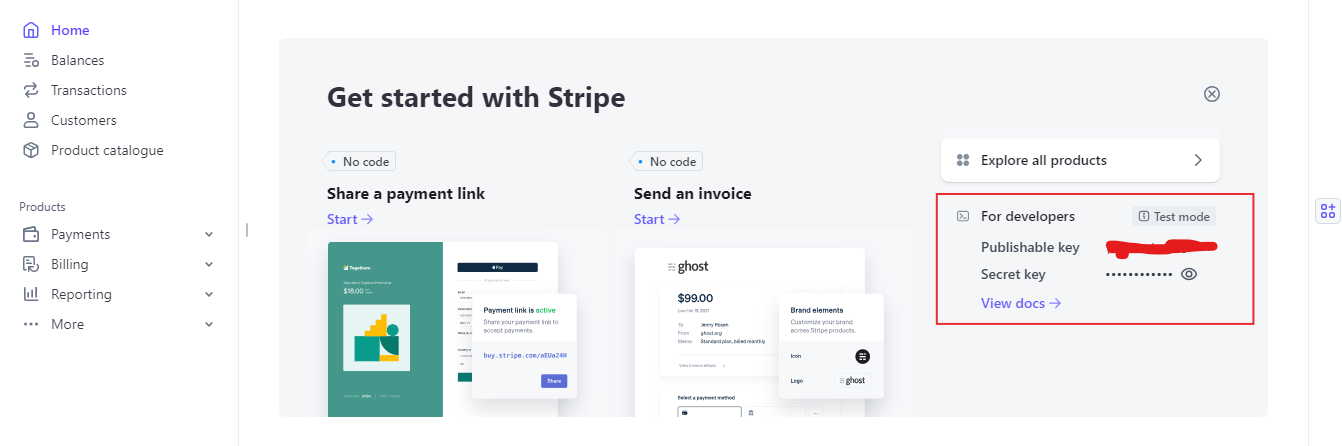
In the Stripe Dashboard, navigate to:
Developers -> API Keys
Copy your Publishable Key and Secret Key.
Step 3: Configure Stripe in the Admin Panel
Log in to your Link AI Admin Panel and navigate to:
Payment Methods -> Stripe -> Configure
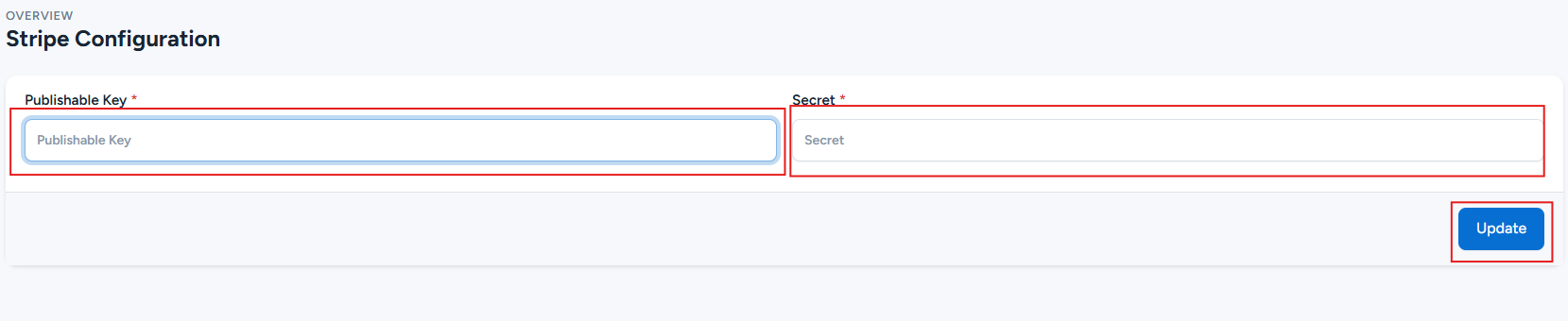
Enter your Publishable Key and Secret Key, then click Update to save the configuration.