Appearance
How to Install and Configure the Mobile App API Plugin
Download the Mobile App API Plugin
After extracting the Bundle file, you will find the plugin at:
API plugin/MobileAppApi.zip
To install the Mobile App API plugin, upload it from:
Admin -> Plugins -> Upload
Then select MobileAppApi.zip and ensure that the plugin is installed successfully.
Steps to install GoBiz plugins.
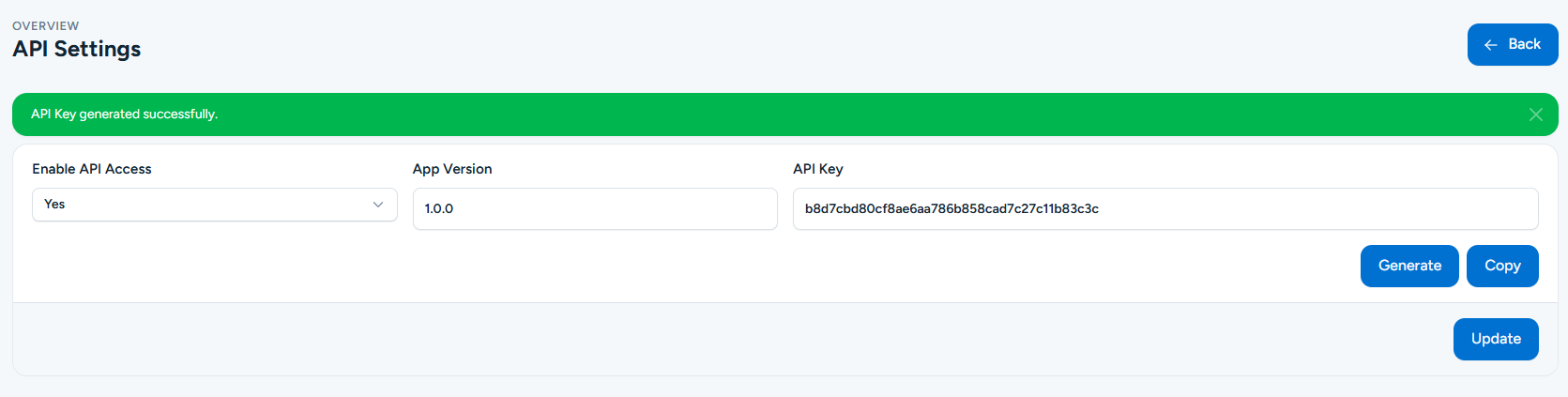
Mobile App Plugin Configuration
Once the plugin is installed, enable API Access in the plugin settings, generate an API Key for secure communication, and set the Initial App Version to 1.0.0.