Appearance
Learn how to download, upload, and install the Slack Notifications plugin to receive notifications in your Slack workspace.
Step 1: Download the Plugin
After purchasing the plugin, download the ZIP package and extract it on your computer.
Inside the extracted package, you will find the plugin installation file:
text
SlackNotification.zipStep 2: Upload the Plugin
Log in to your Bookin Admin Panel and navigate to:
Plugins -> Upload
Upload the following file:
text
SlackNotification.zip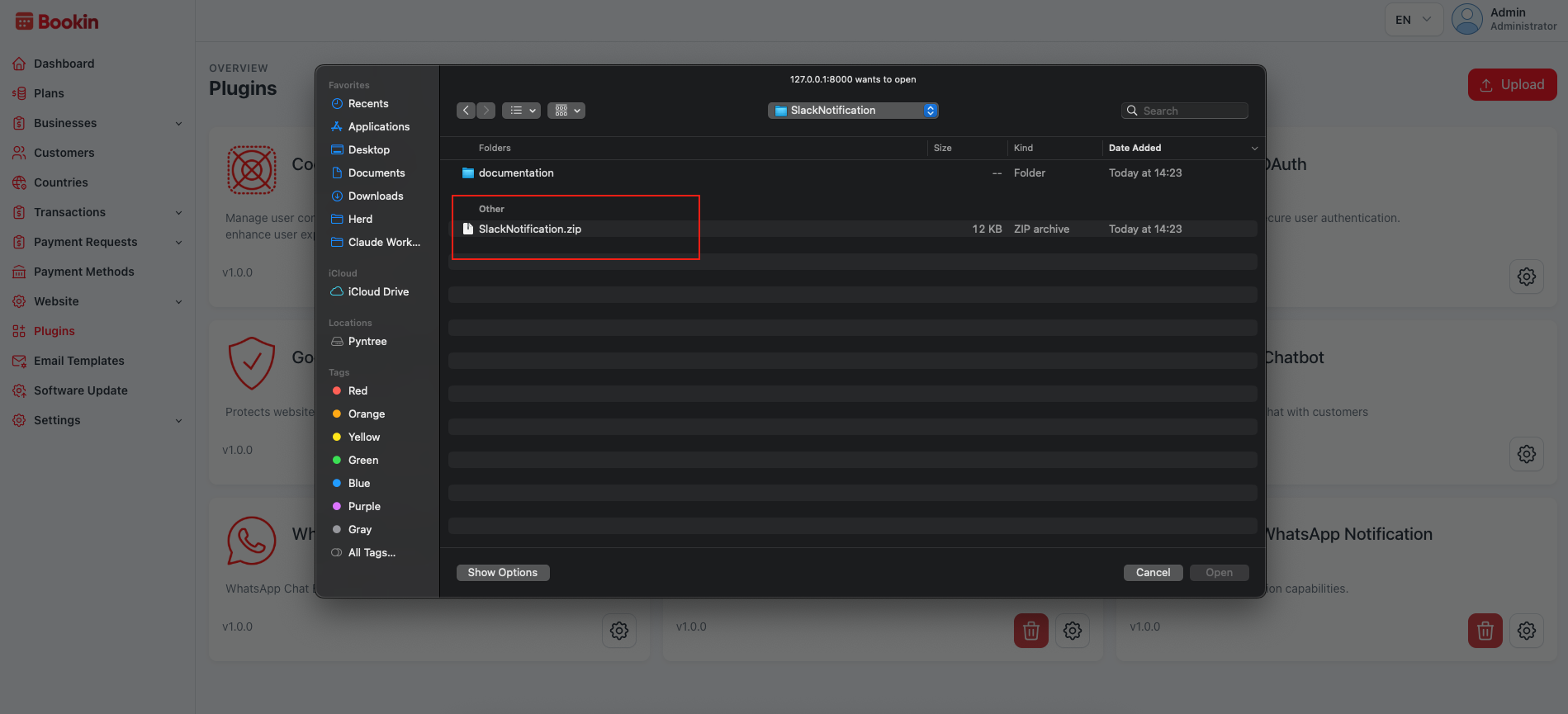
Step 3: Complete the Installation
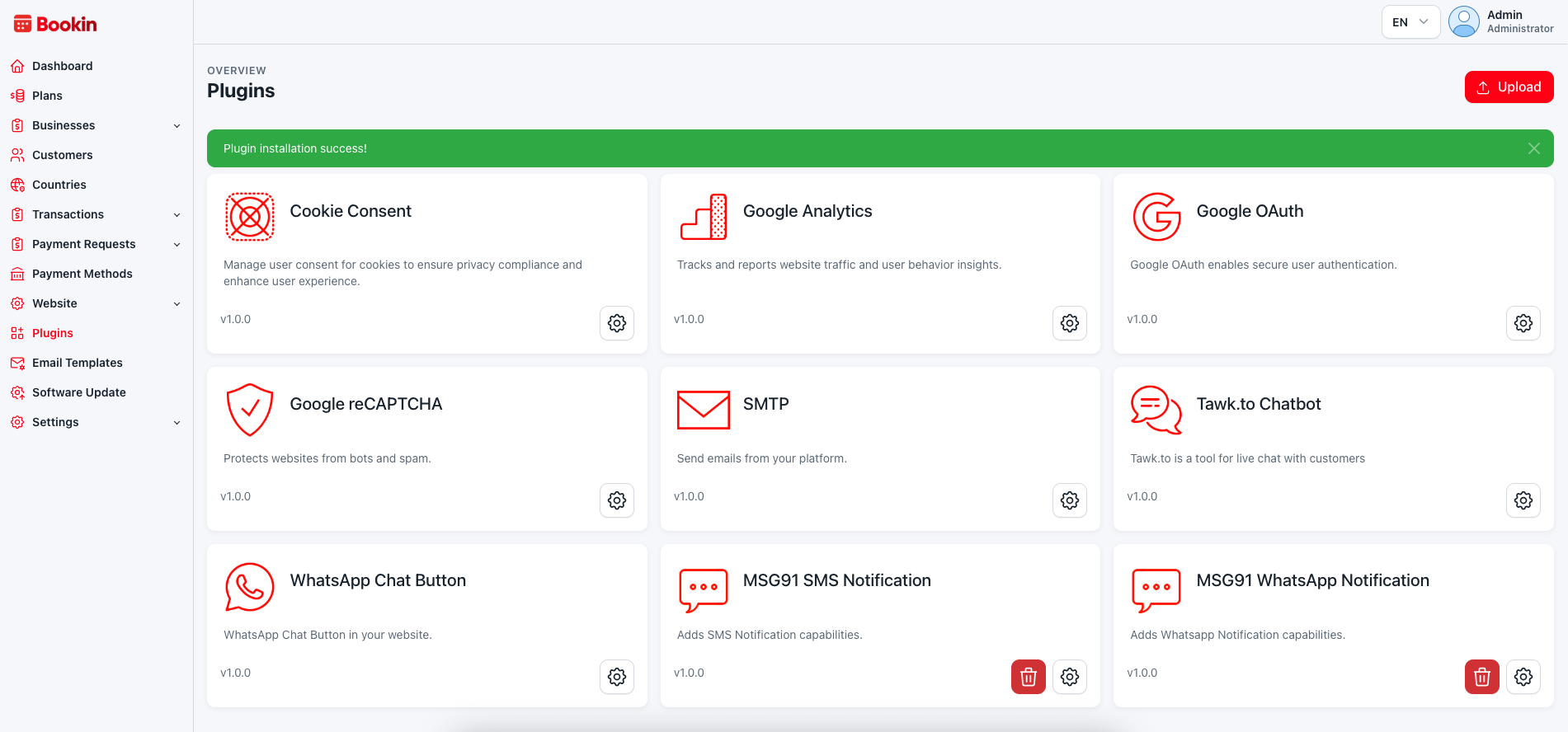
Once the upload is complete, the plugin will be installed automatically.
After a successful installation, you will see a Plugin Installed Successfully message, and the Slack Notifications plugin will appear in the plugins list.