Appearance
How to Configure PhonePe
Last update: 04 Nov 2024
Follow the steps below to configure PhonePe as a payment gateway in AI Tools.
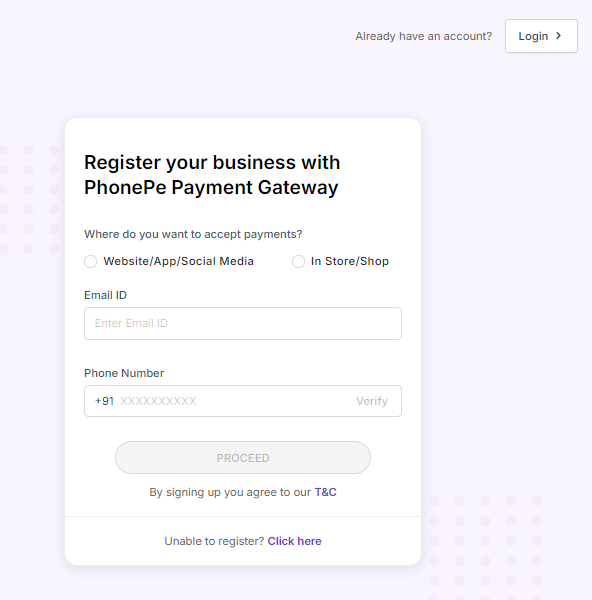
Step 1: Sign In to PhonePe
Go to:
https://www.phonepe.com/business-solutions/payment-gateway/register/
If you already have a PhonePe account, sign in. Otherwise, create a new account.
Step 2: Get the Merchant ID and Salt Key
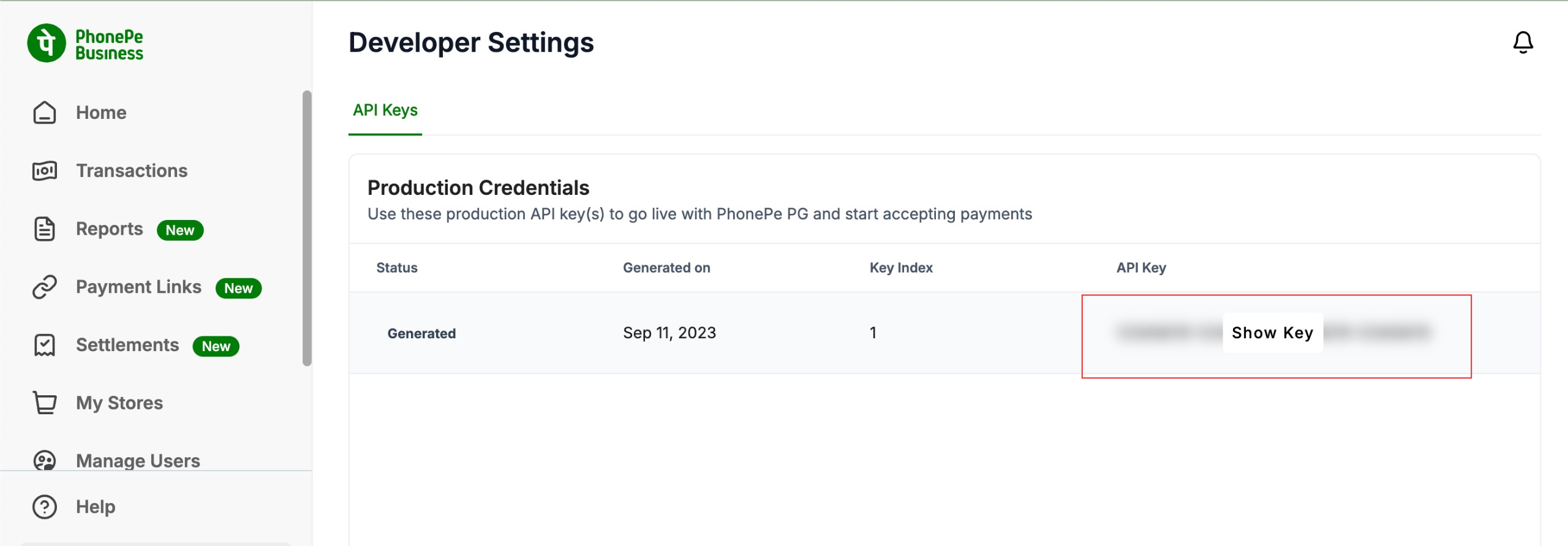
After registering your business with PhonePe, you will receive:
- Merchant ID
- Salt Key
If you do not have these credentials, contact PhonePe Support.
Configure the following callback URL in your PhonePe dashboard:
text
https://yourdomain.com/phonepe-payment-statusNote
Replace
yourdomain.comwith your actual domain name.
Step 3: Configure PhonePe in the Admin Panel
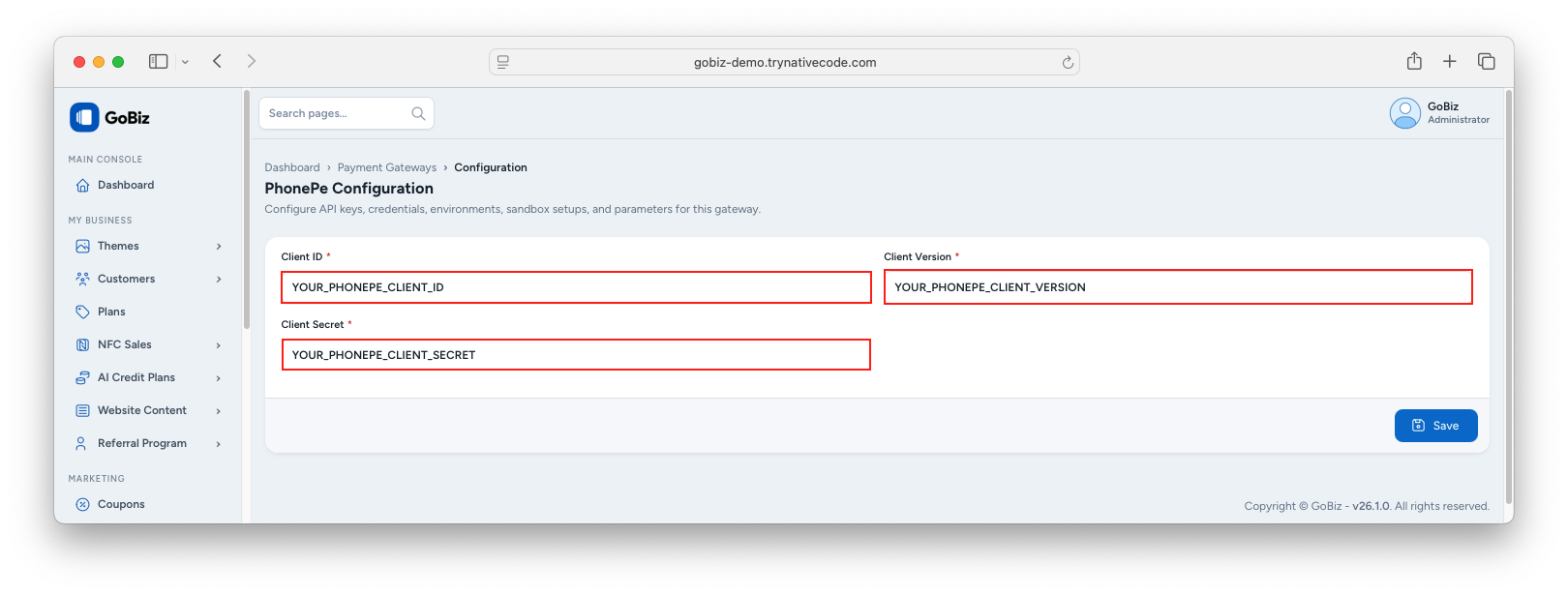
Log in to your AI Tools Admin Panel and navigate to:
Payment Methods -> PhonePe -> Configure
Paste the following credentials:
- Merchant ID
- Salt Key
Click Update to save the configuration.