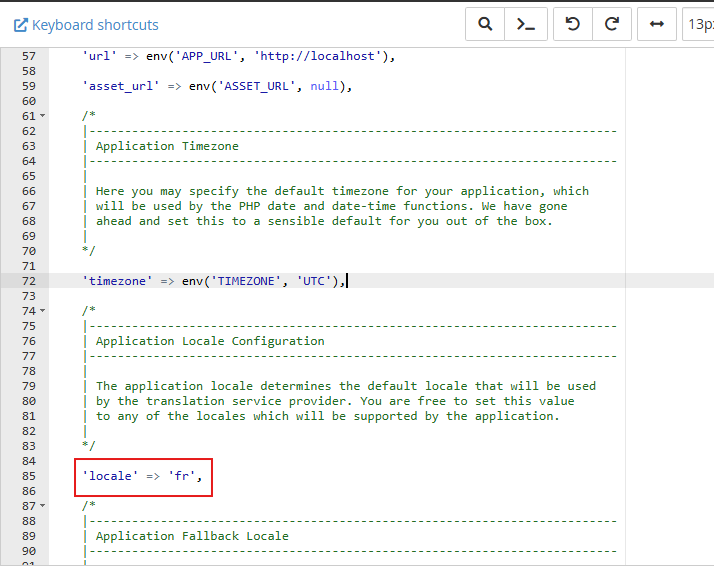
Appearance
Remove Unnecessary Languages
Last update: 18 Apr 2025
If you don't need all the languages included with AI Tools, you can remove them from the application.
Step 1: Open the Configuration File
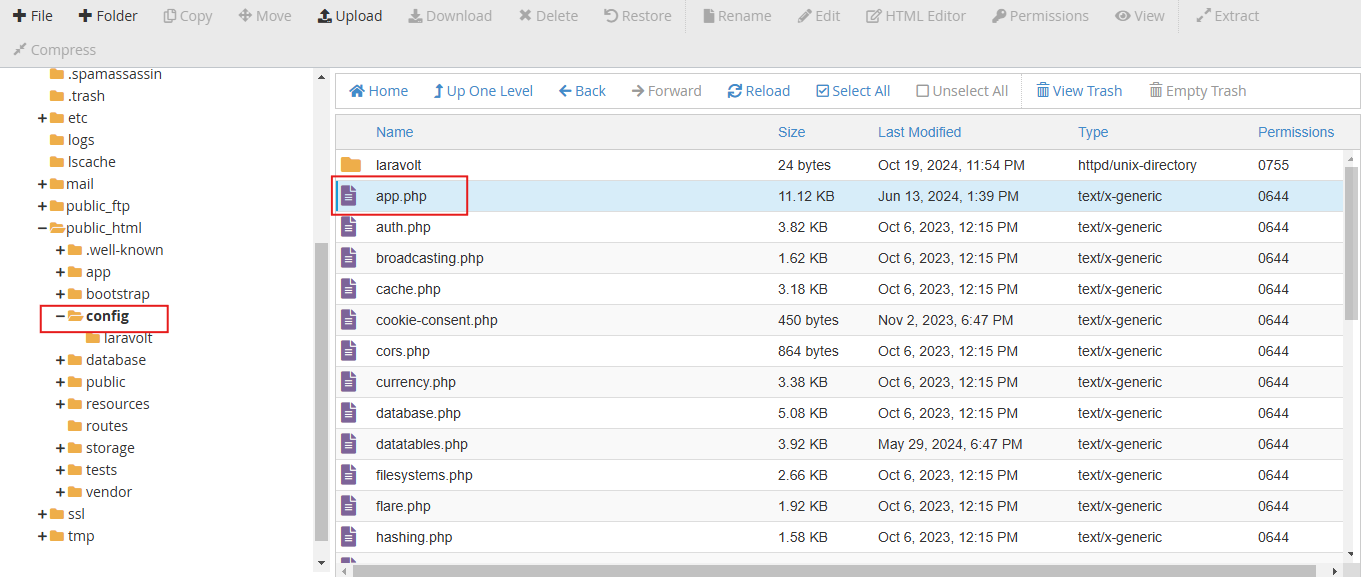
Log in to your hosting control panel and open File Manager.
Navigate to:
PROJECT-ROOT/config/app.php
Step 2: Remove Unused Languages
Scroll to the bottom of the app.php file, where you'll find the list of available languages.
Remove the languages you don't need. For example:
php
'de' => 'German',Delete the language entry, then save the file.