Appearance
How to Generate an OpenAI API Key
Last update: 04 Nov 2024
To use OpenAI models in AI Tools, you need an OpenAI account and an API key.
Follow the steps below to generate your API key.
Step 1: Create an OpenAI Account
Visit the OpenAI platform:
https://platform.openai.com/signup
Sign up using your Google, Microsoft, or email account.
Complete the account verification process if prompted.
Step 2: Open the API Keys Page
After signing in, open the API Keys page:
https://platform.openai.com/api-keys
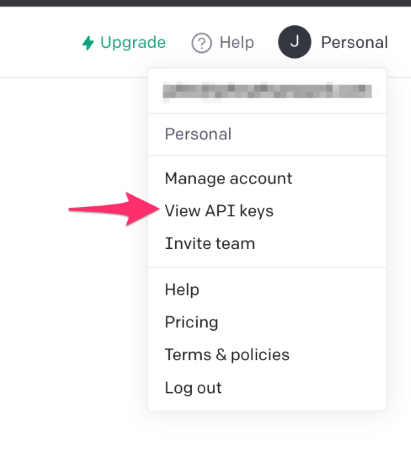
Or, from the OpenAI Dashboard, click API Keys in the left sidebar.
Step 3: Create a New API Key
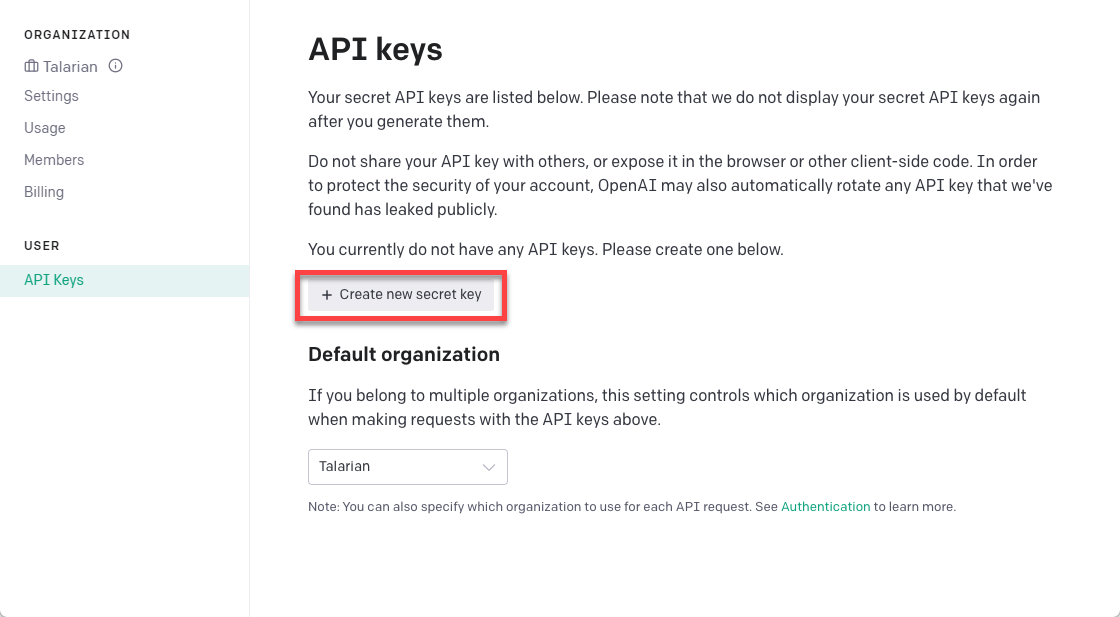
Click Create new secret key.
Enter a name for the key if prompted, then click Create secret key.
Copy the generated API key and store it securely. For security reasons, OpenAI displays the key only once.
Step 4: Configure the API Key in AI Tools
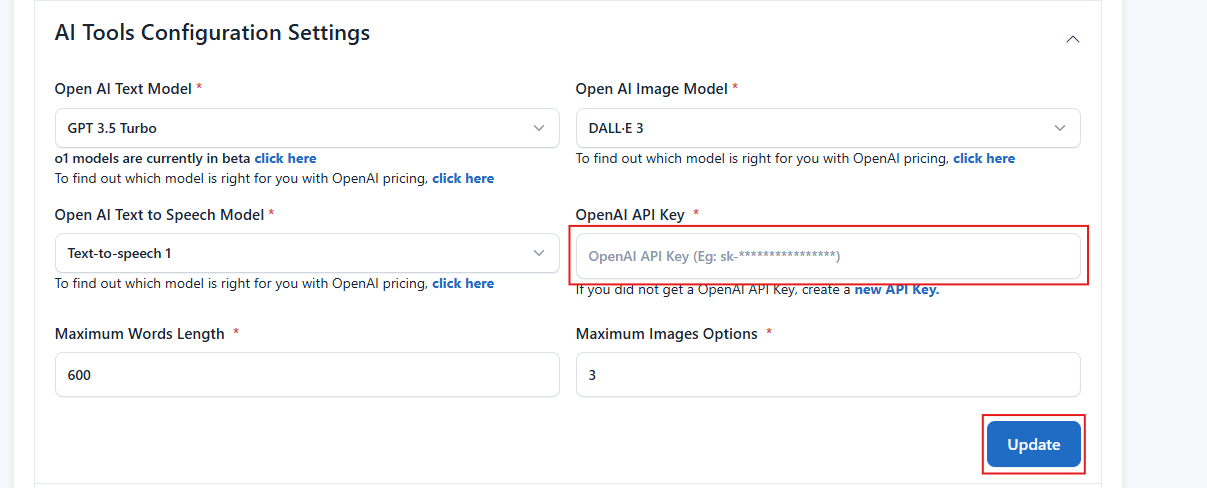
Log in to your AI Tools Admin Panel and navigate to:
Settings -> AI Tools Configuration Settings
Paste your OpenAI API Key into the appropriate field and click Update to save the configuration.