Appearance
How to Check for Software Updates
Last update: 02 Nov 2024
Follow the steps below to check for and install the latest version of AI Tools.
Step 1: Open the Software Updates Page
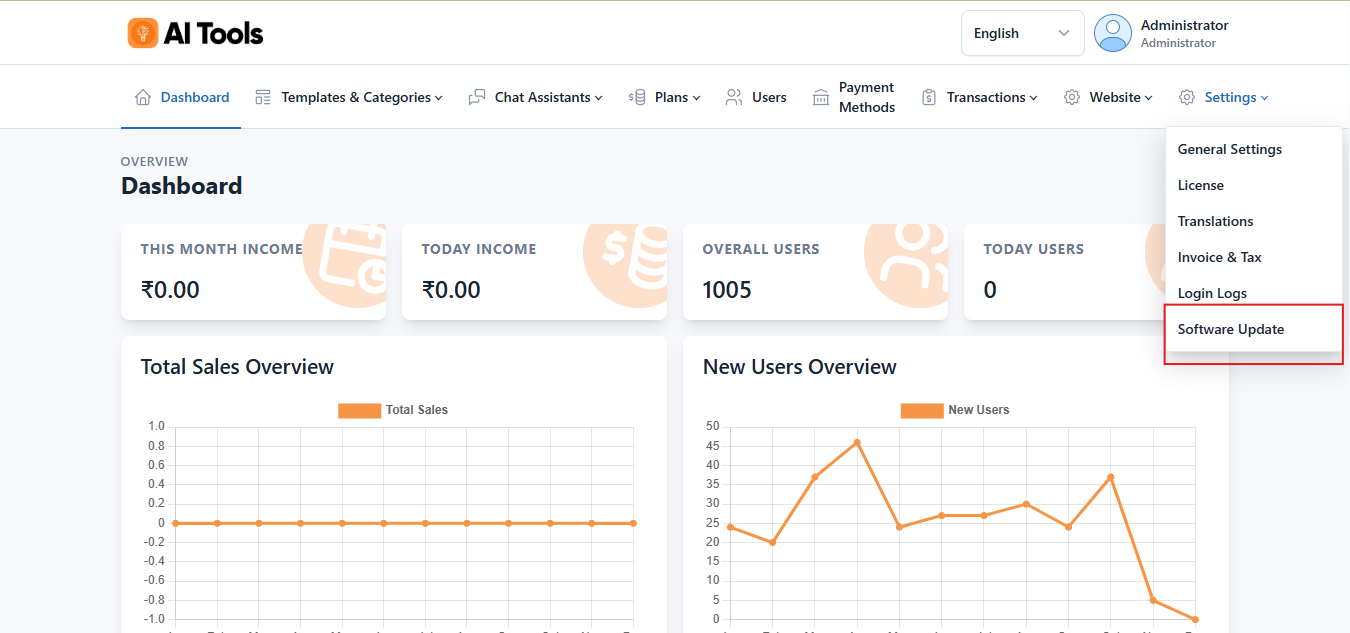
Log in to your AI Tools Admin Panel and navigate to:
Settings -> Software Updates -> Check Updates
Step 2: Check for Updates
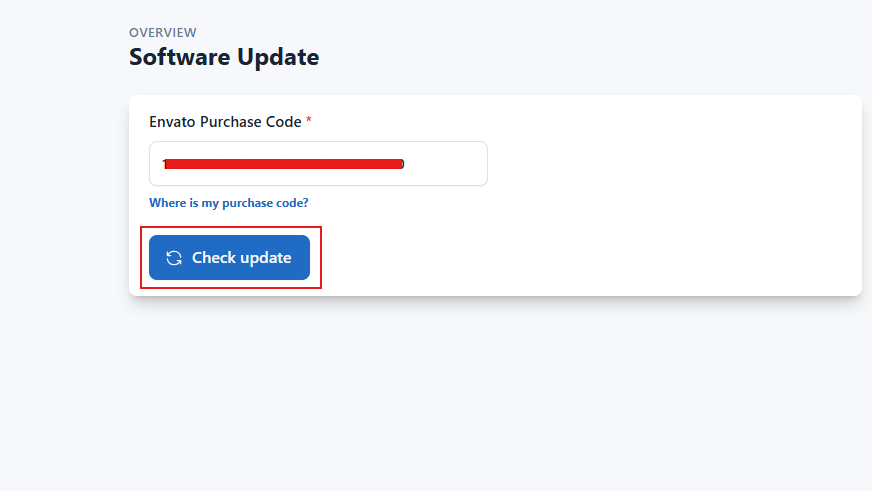
Enter your Envato Purchase Code if it has not already been added.
Click Check Updates.
If a new version is available, an Install button will appear.
Click Install to download and install the latest update.