Appearance
Learn how to download, upload, and install the Cashfree Recurring Plugin.
1. Downloading the File
After purchasing the plugin, you will receive a ZIP file. Unzip this file, and inside you will find the main plugin file that you need to upload and install.
Download the file:
text
CashfreeRecurring.zip2. Uploading the File
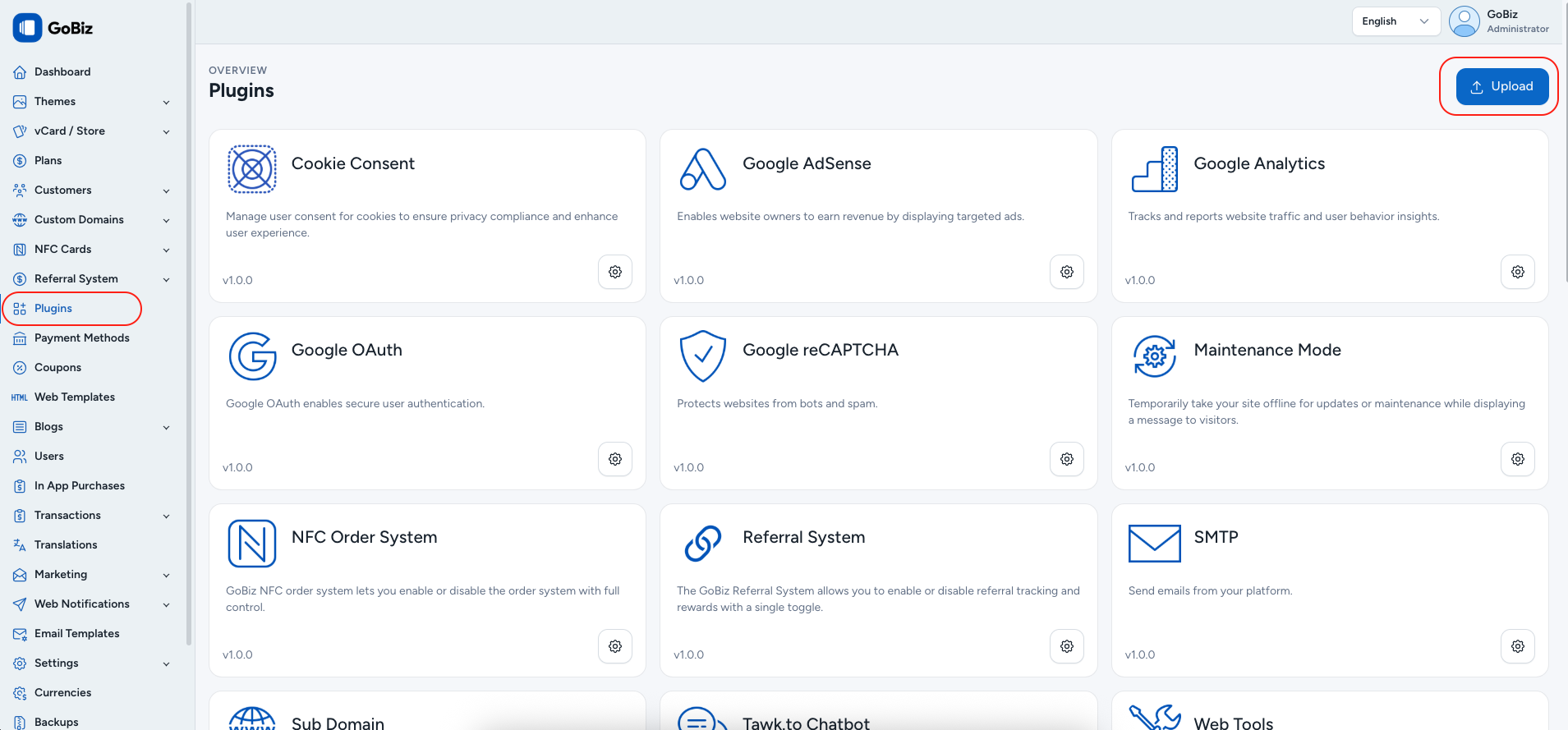
Upload the PaypalRecurring.zip file in the Plugins → Upload section of your platform.
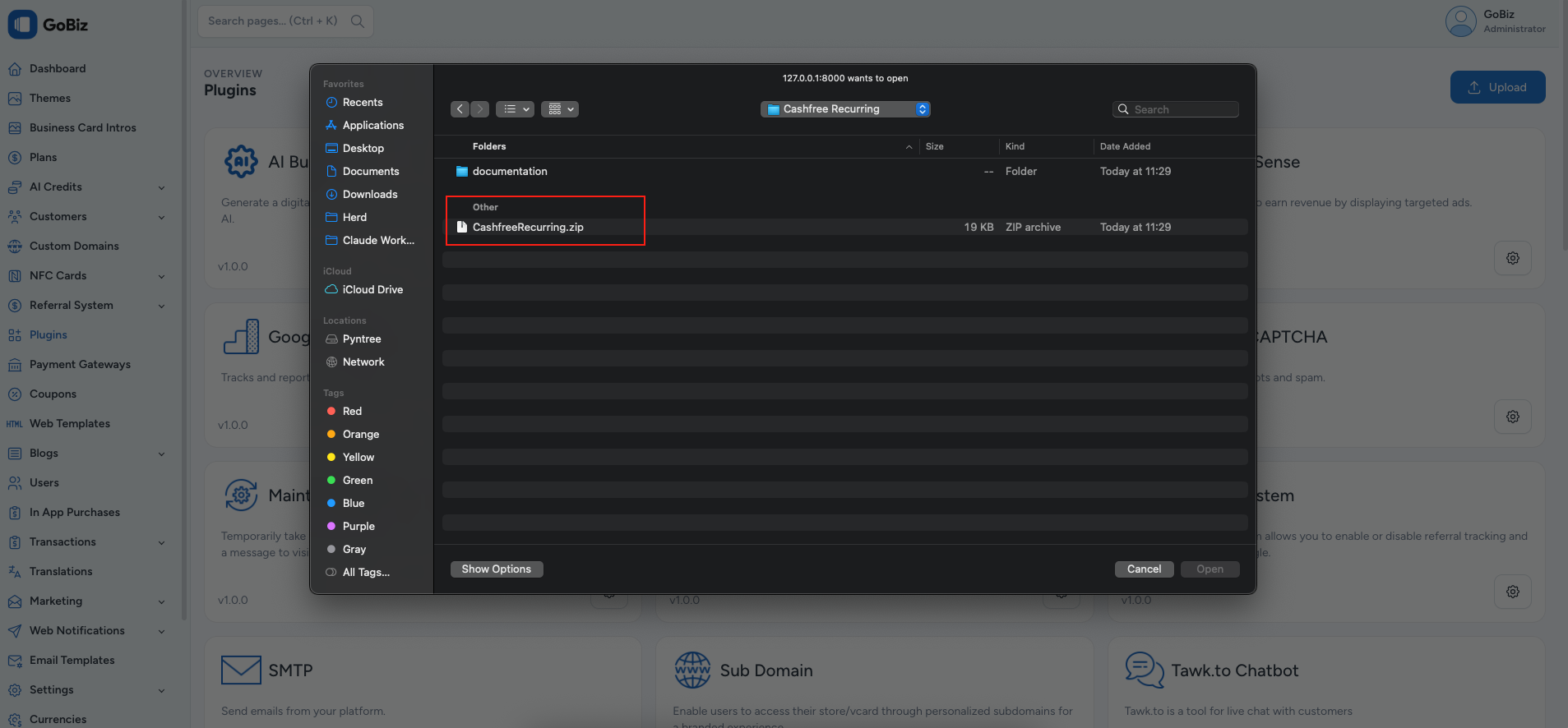
Select the CashfreeRecurring.zip file.
3. Plugin Installation
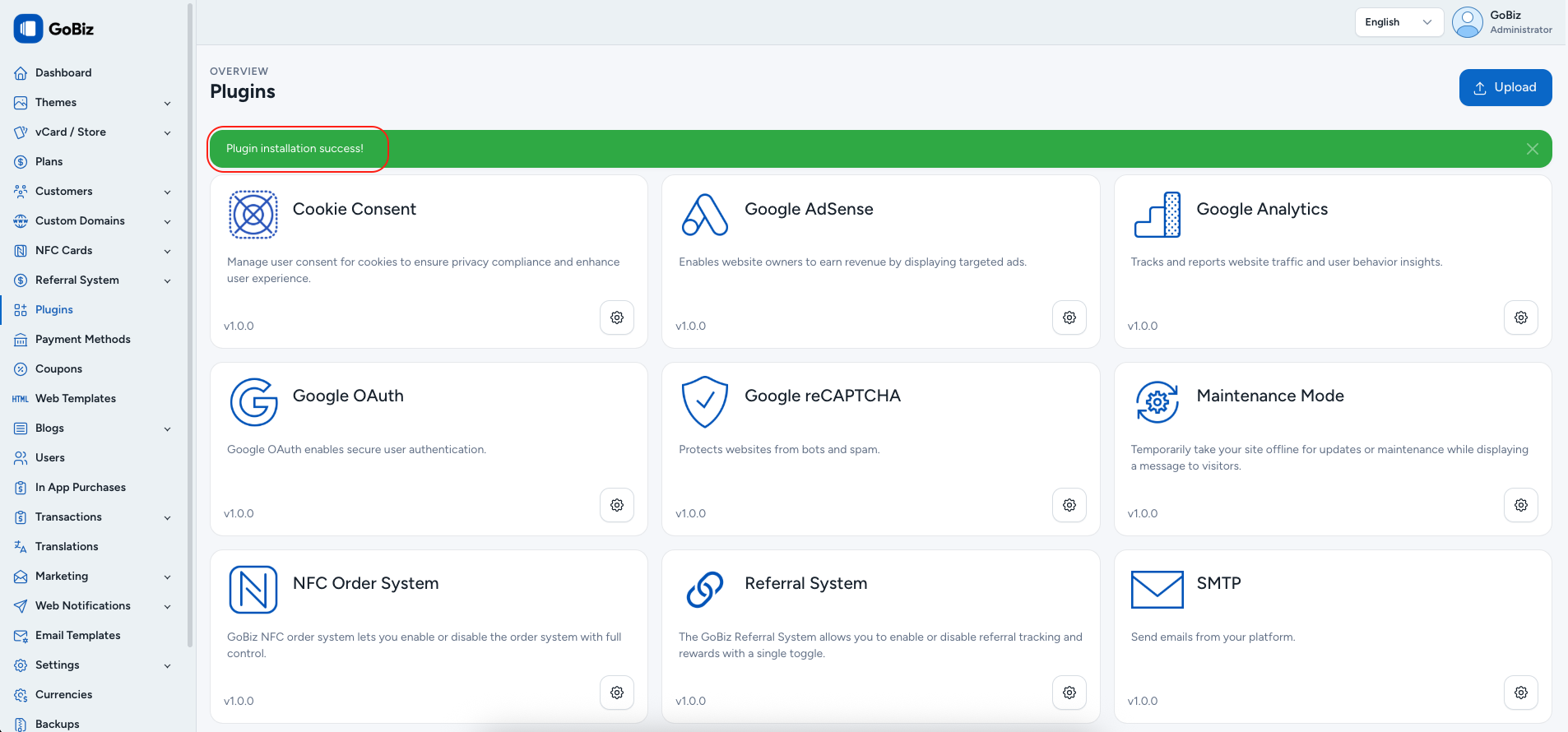
Once the upload is complete, you will see a successful plugin installation message.