Appearance
Step 1: Open the Web Templates Section
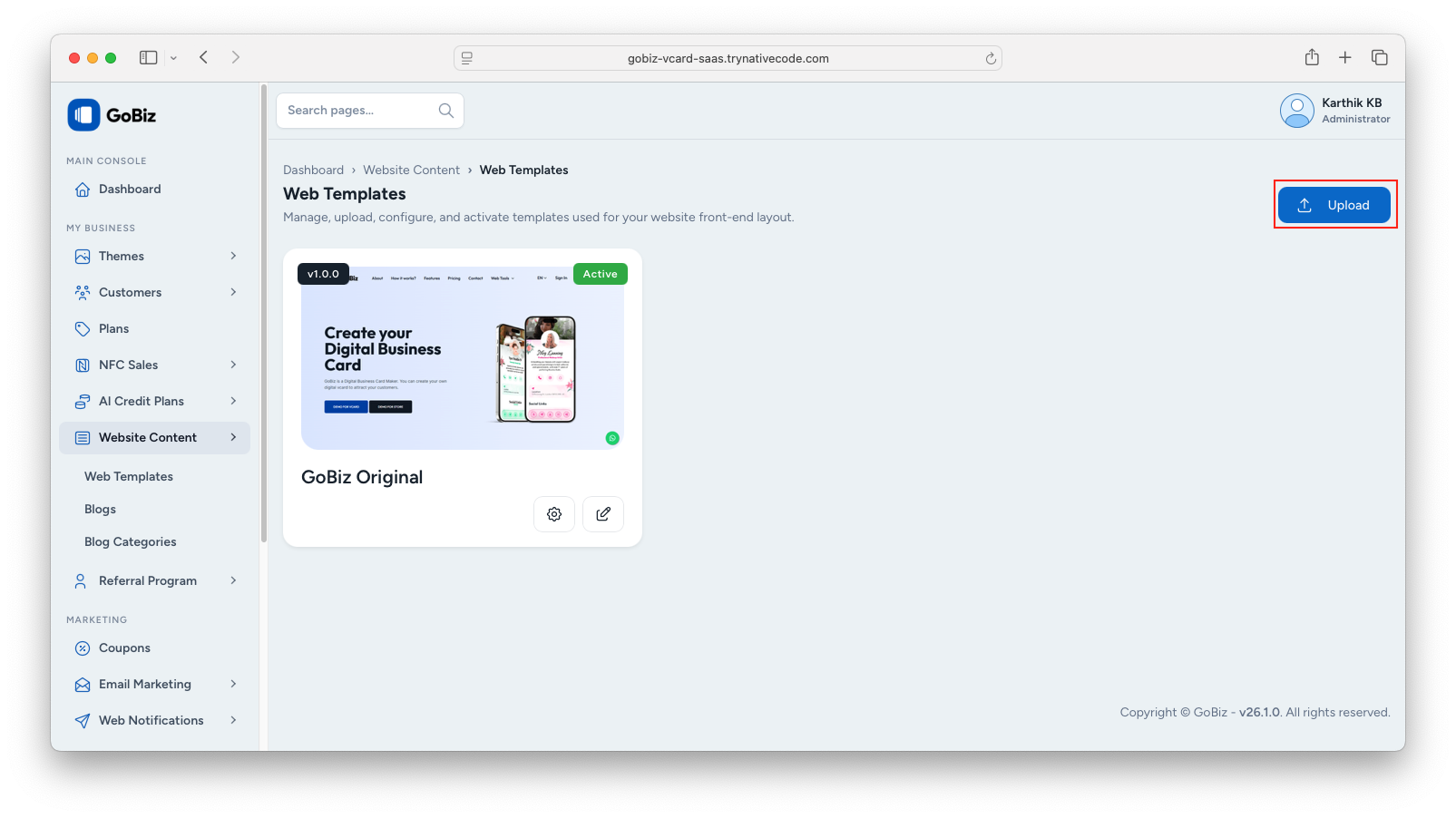
Log in to your GoBiz Admin Panel.
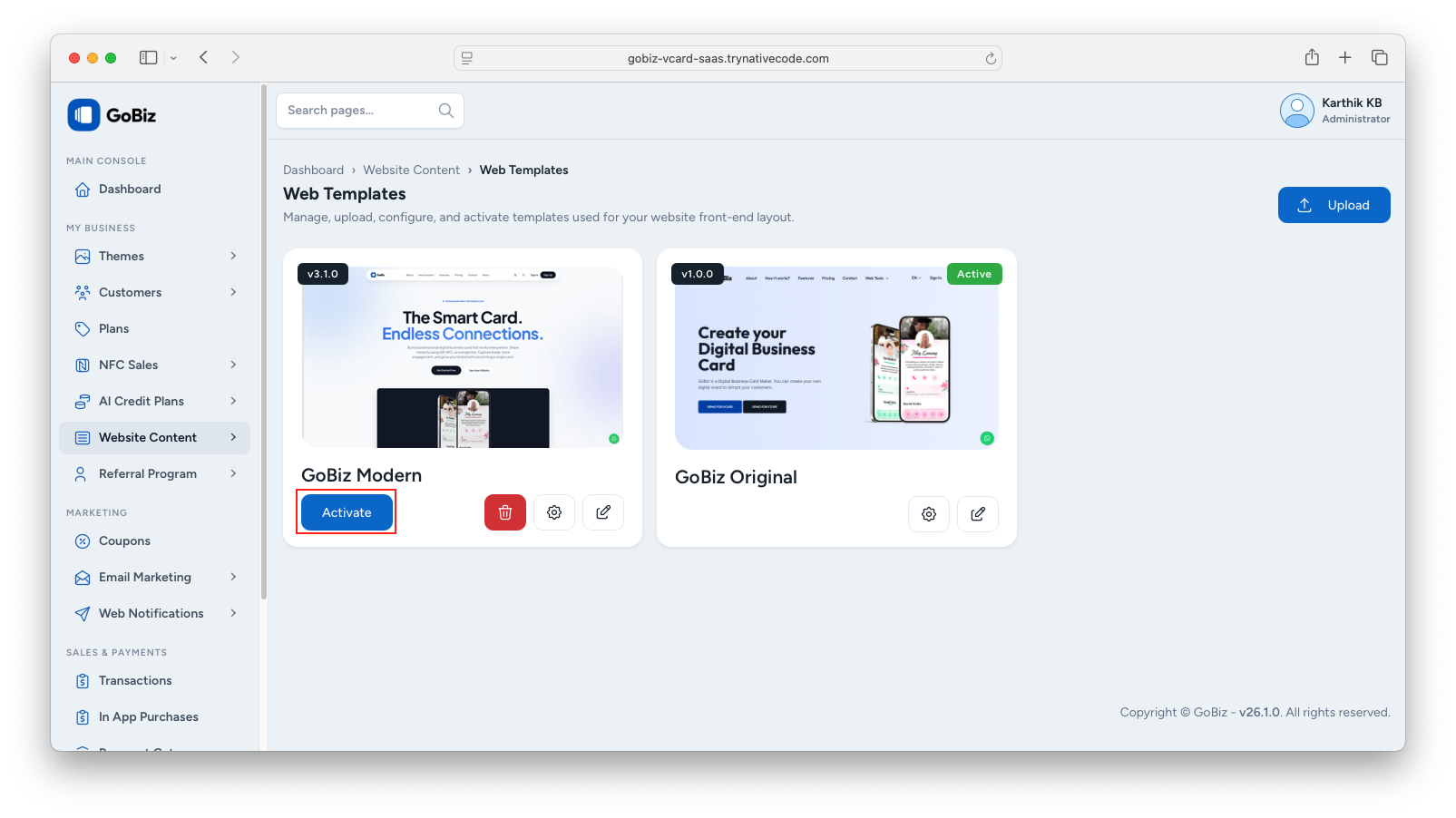
Navigate to Website Content -> Web Templates.
Click the Upload button in the top-right corner.
Step 2: Upload the Template
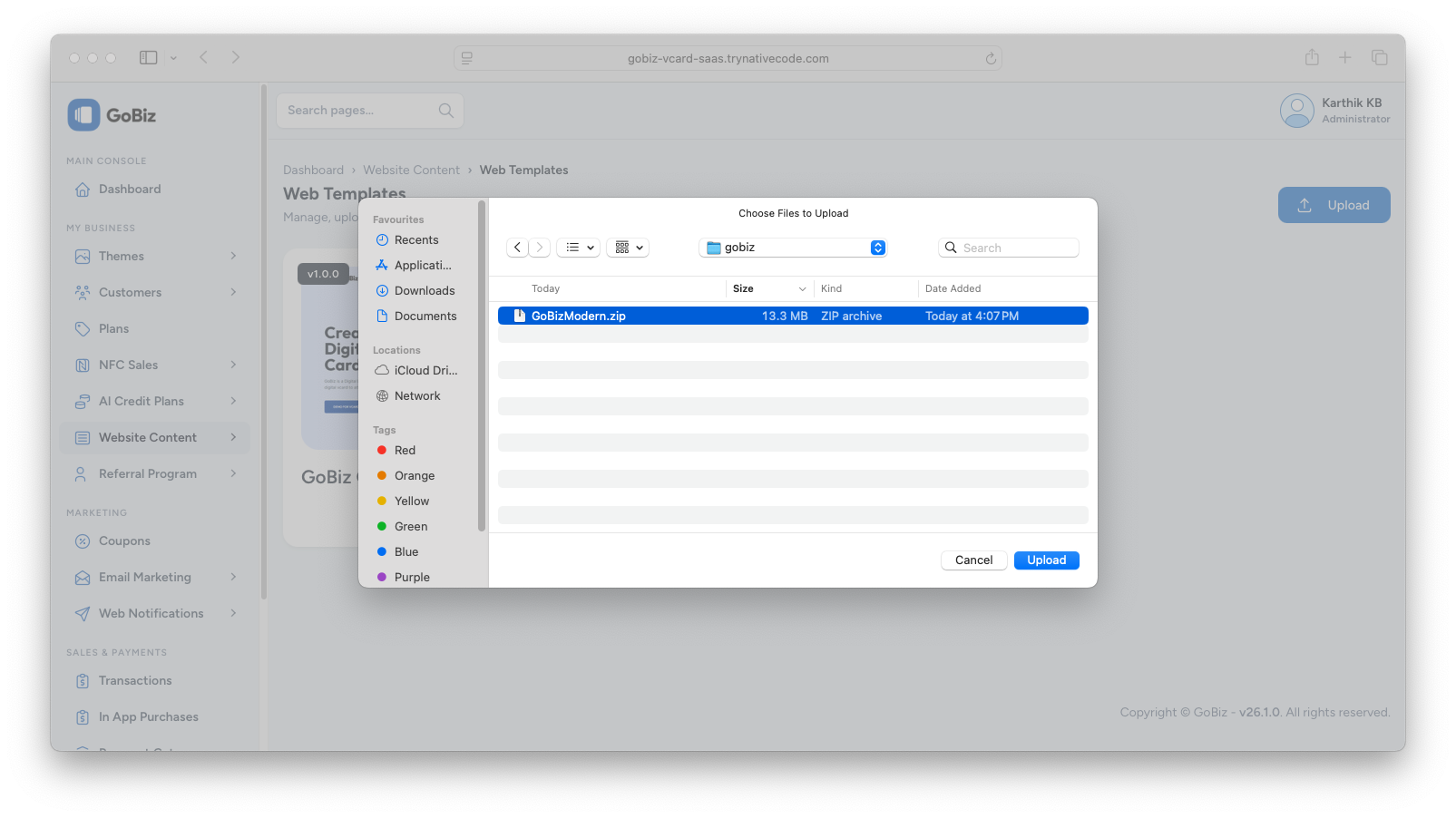
Click Upload, select the GoBizModern.zip file, and upload it.
Step 3: Verify the Installation
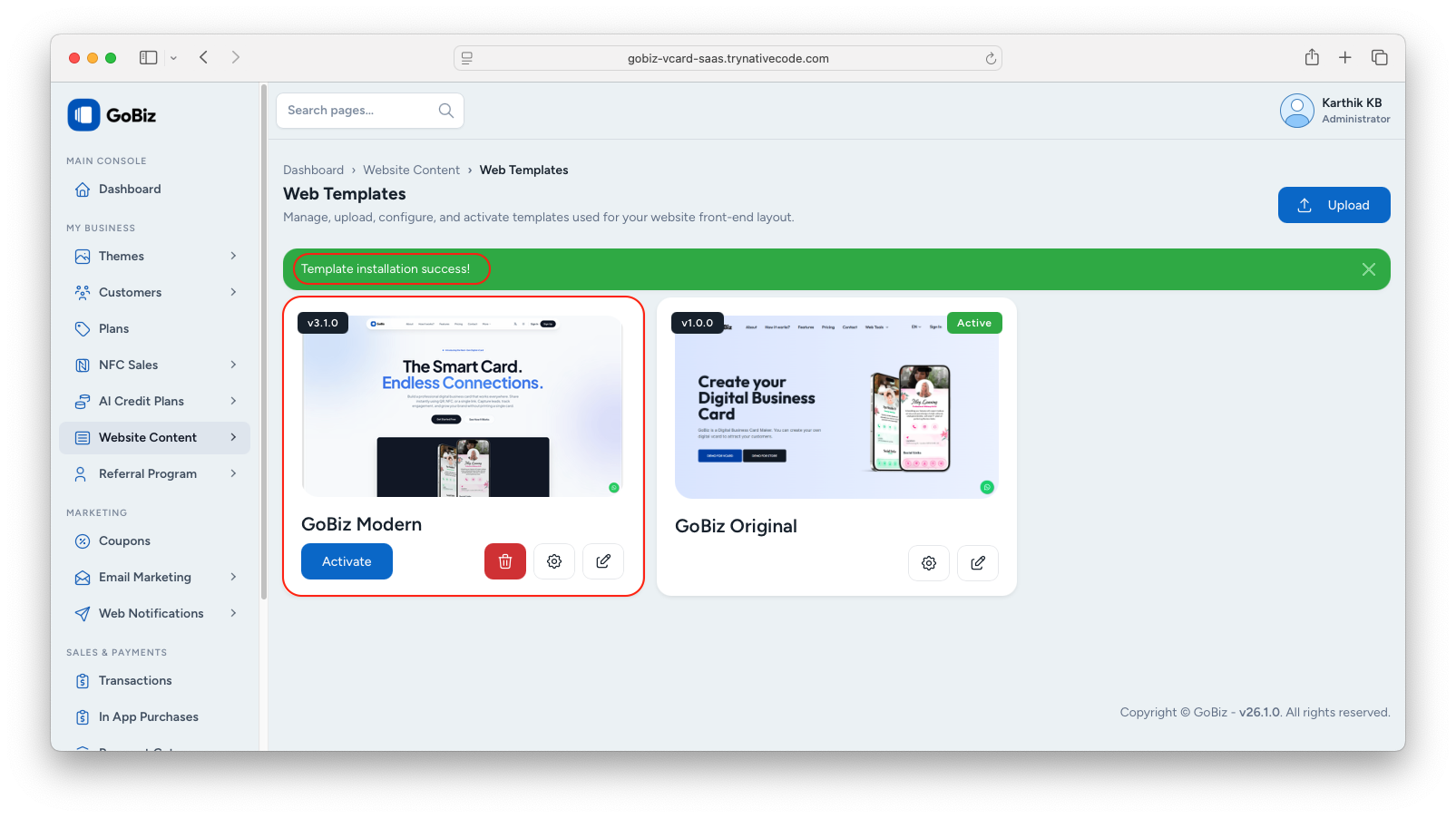
After the upload is complete, you will see the message:
Template installed successfully!
The new template will now appear in the Web Templates section.
Step 4: Activate the Template
Click the Activate button for the newly installed web template.
Step 5: Verify the Activation
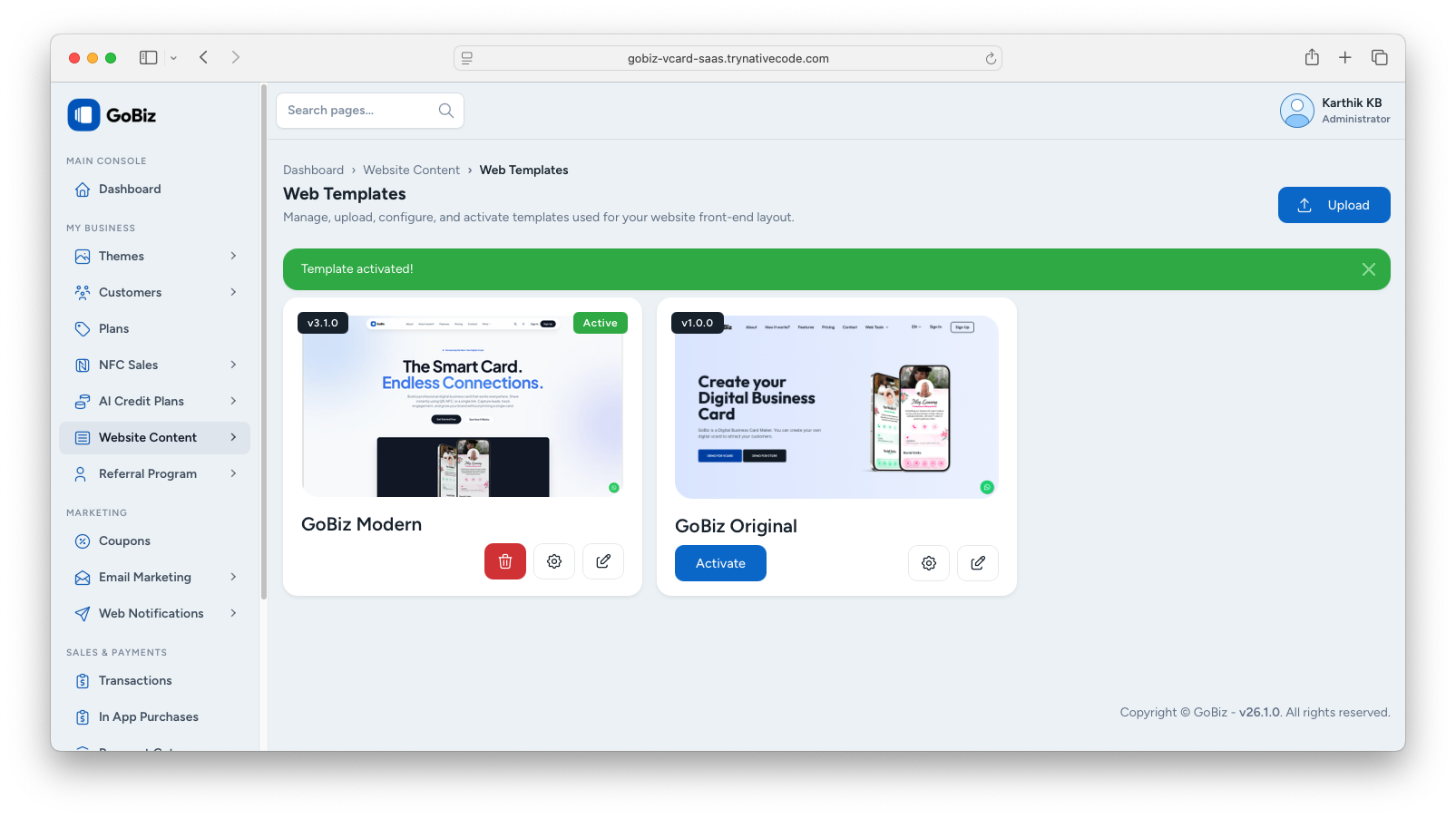
After activating the template, you will see the message:
Template activated successfully!
The template is now active and ready to use.