Appearance
The Telegram Notifications Plugin sends important system notifications and updates directly to Telegram, keeping administrators informed in real time.
1. Download the File
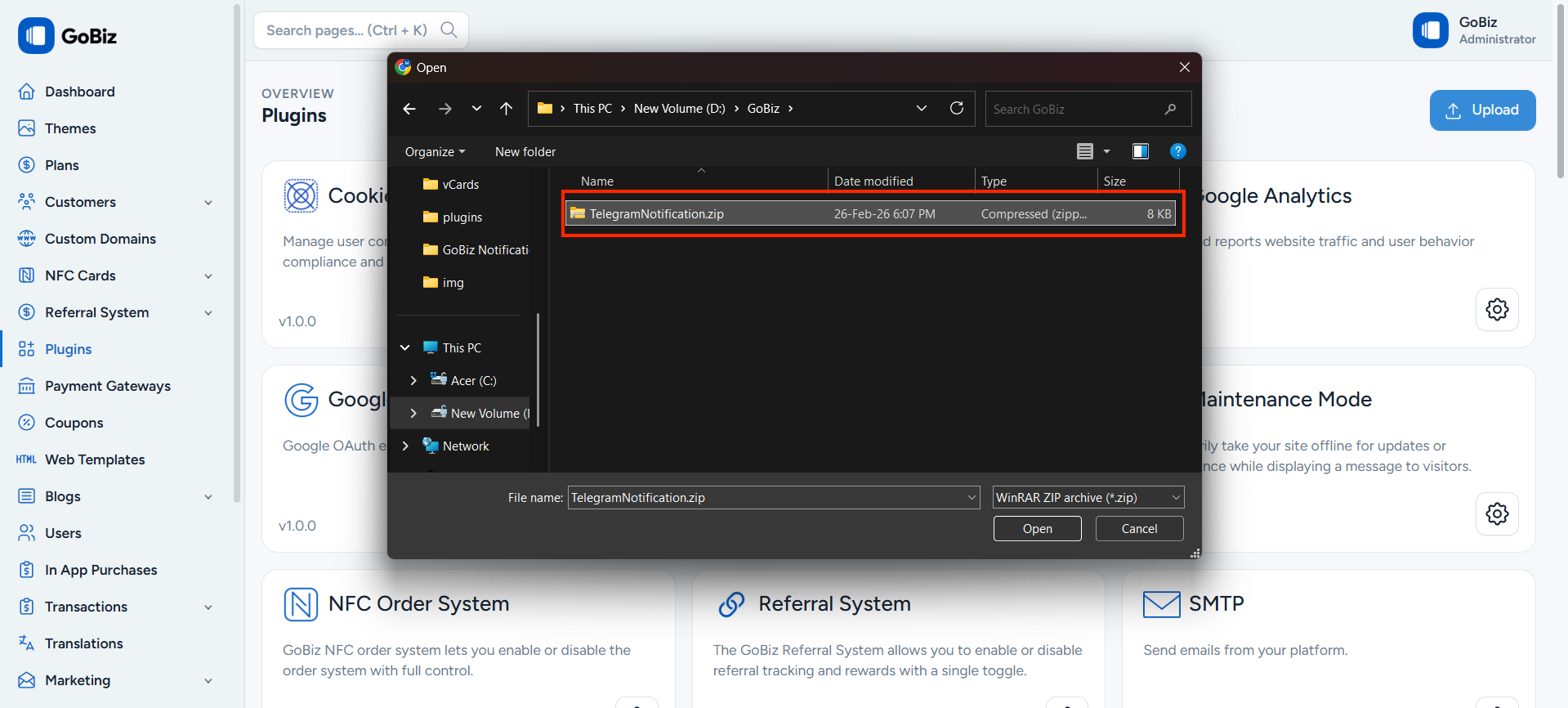
After purchasing the plugin, you will receive a ZIP file. Unzip this file, and inside you will find the main plugin file that you need to upload and install.
Main file:
text
TelegramNotification.zip2. Upload the File
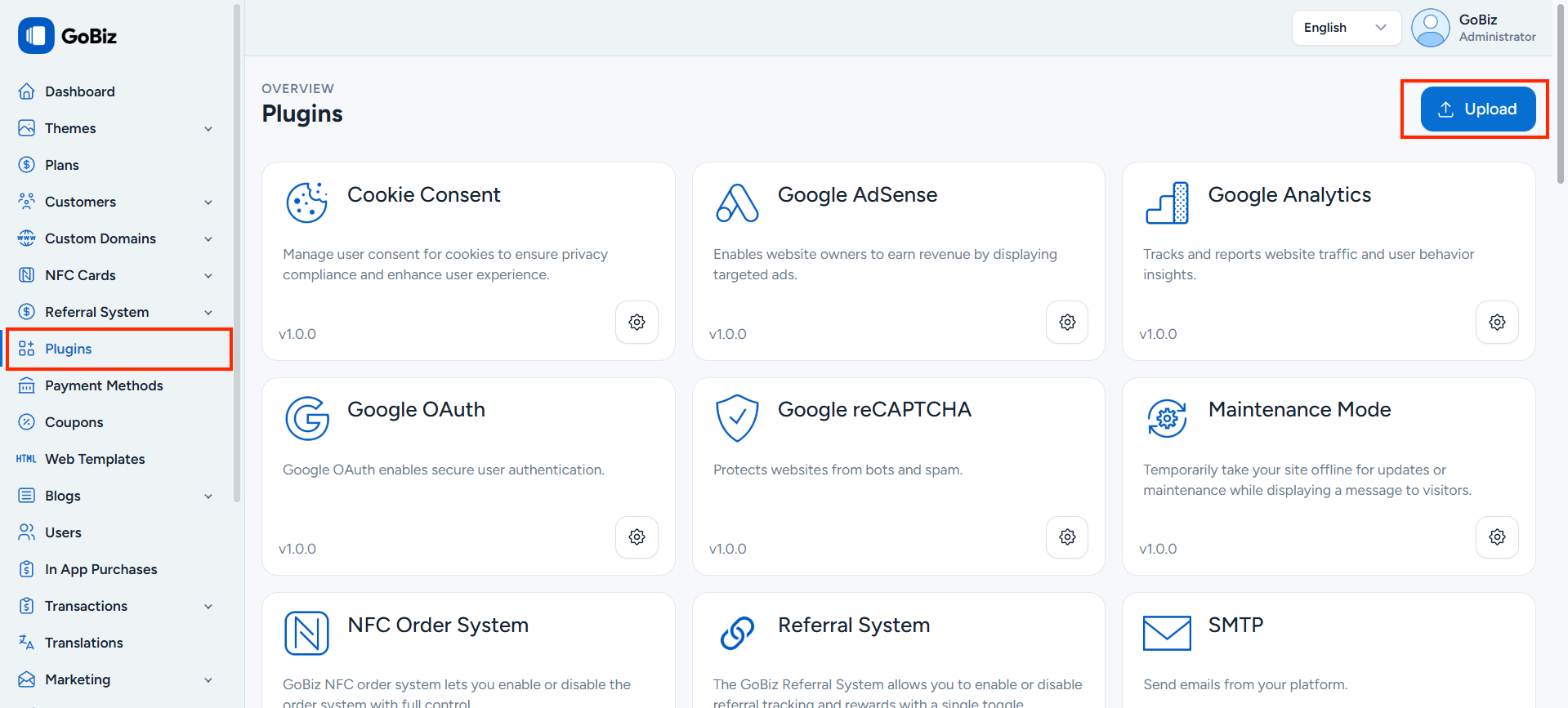
Upload TelegramNotification.zip file in Plugins->Upload section.
3. Plugin Installation
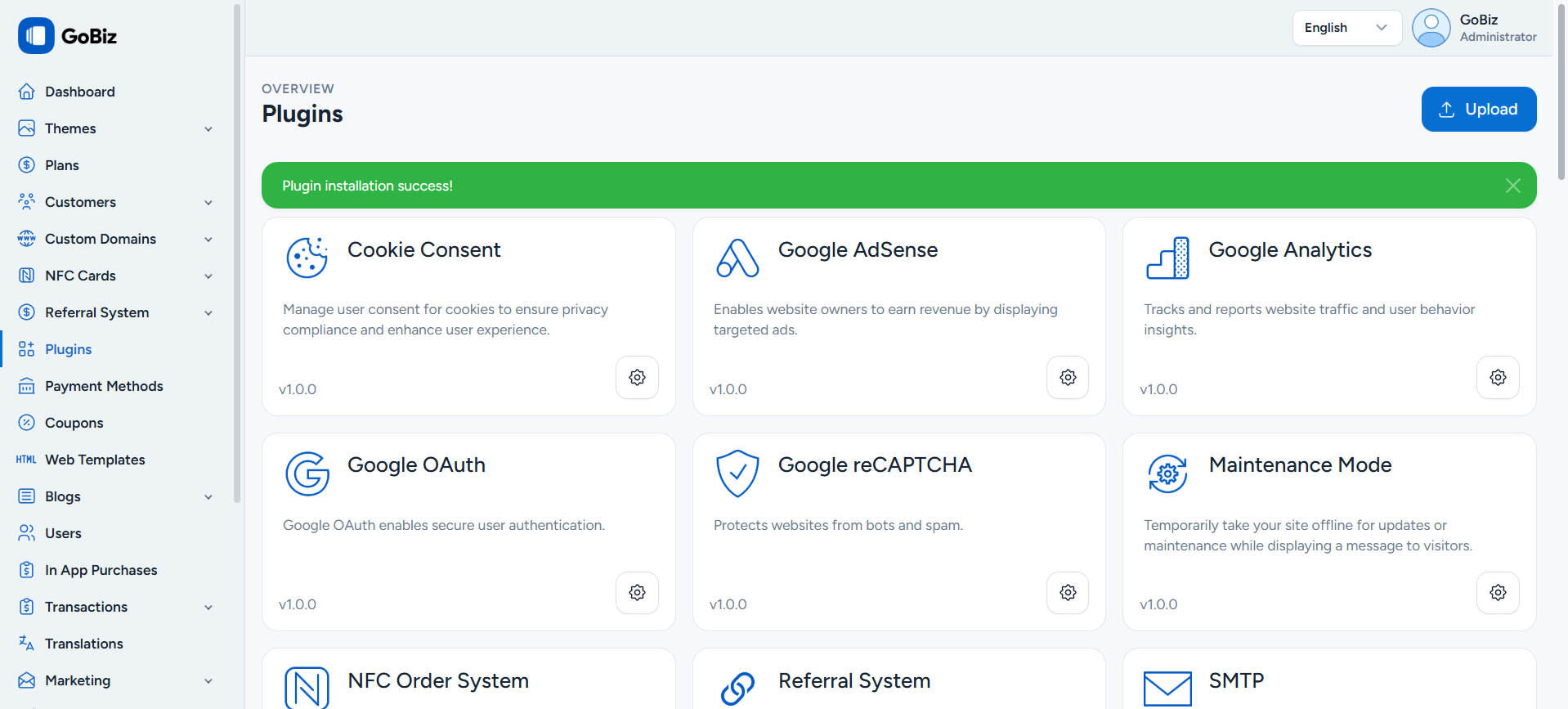
Once the upload is done, you will be able to see the plug installation success Message.
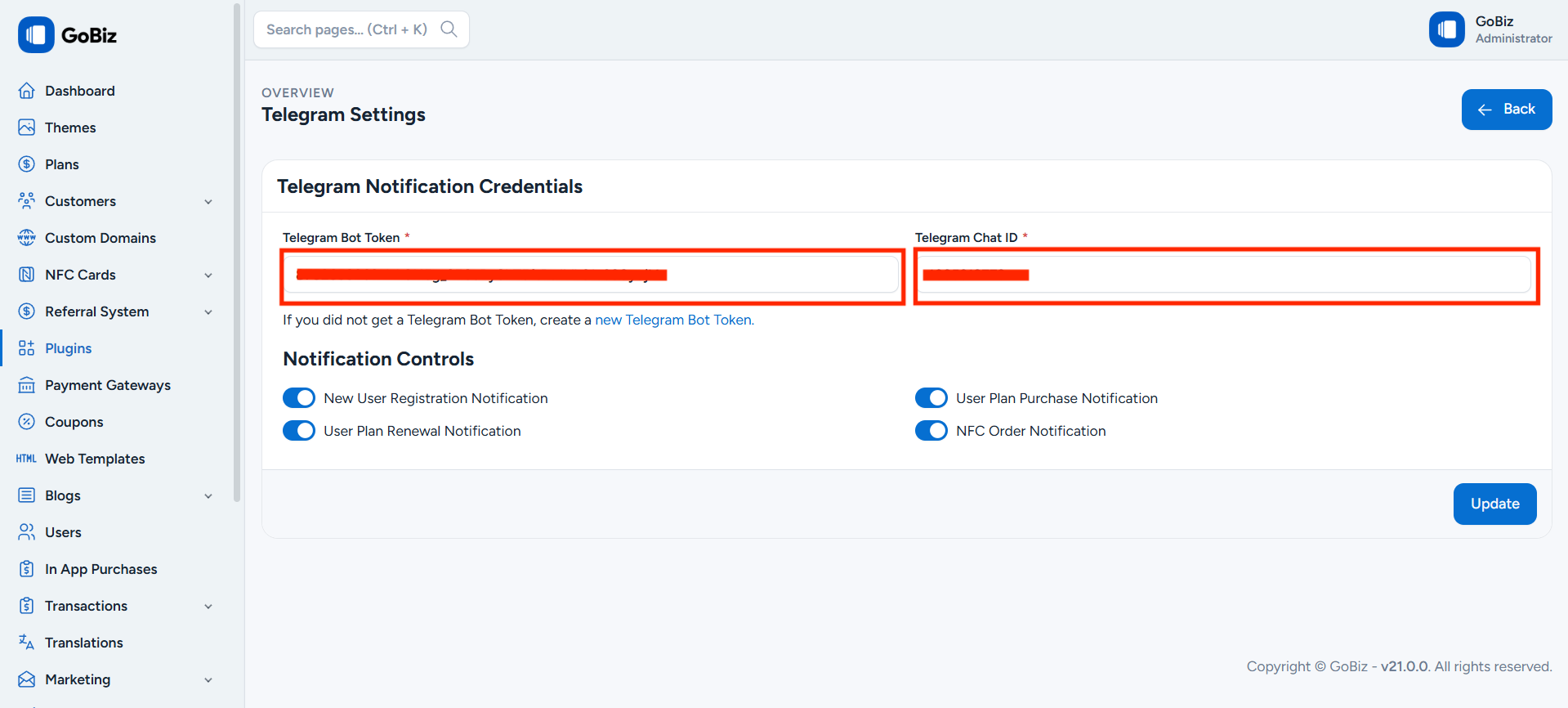
4. Telegram Notification Configuration
How to Get Bot Token and Chat ID
Click the New Telegram Bot Token link to create a new bot.
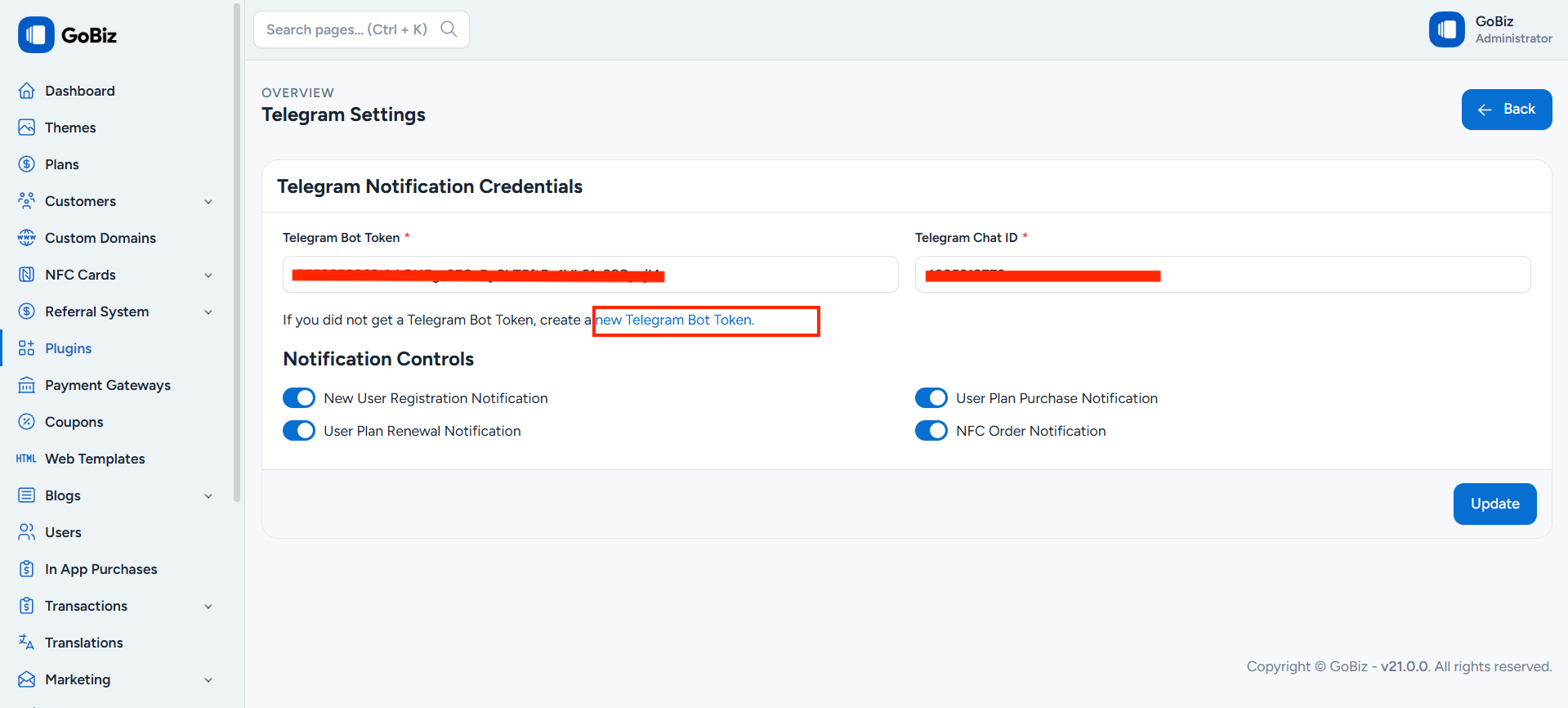
After clicking the link, you will be redirected to the BotFather page. Click on the Start Bot button to proceed.
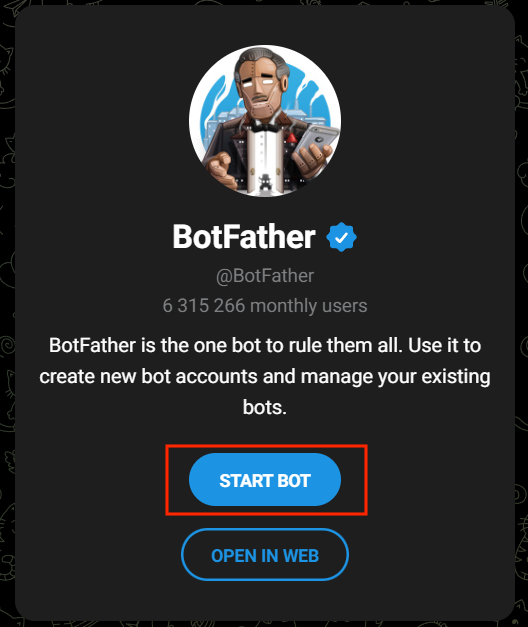
You will then be redirected to the Telegram BotFather chat. Click the Start button to begin creating your bot.
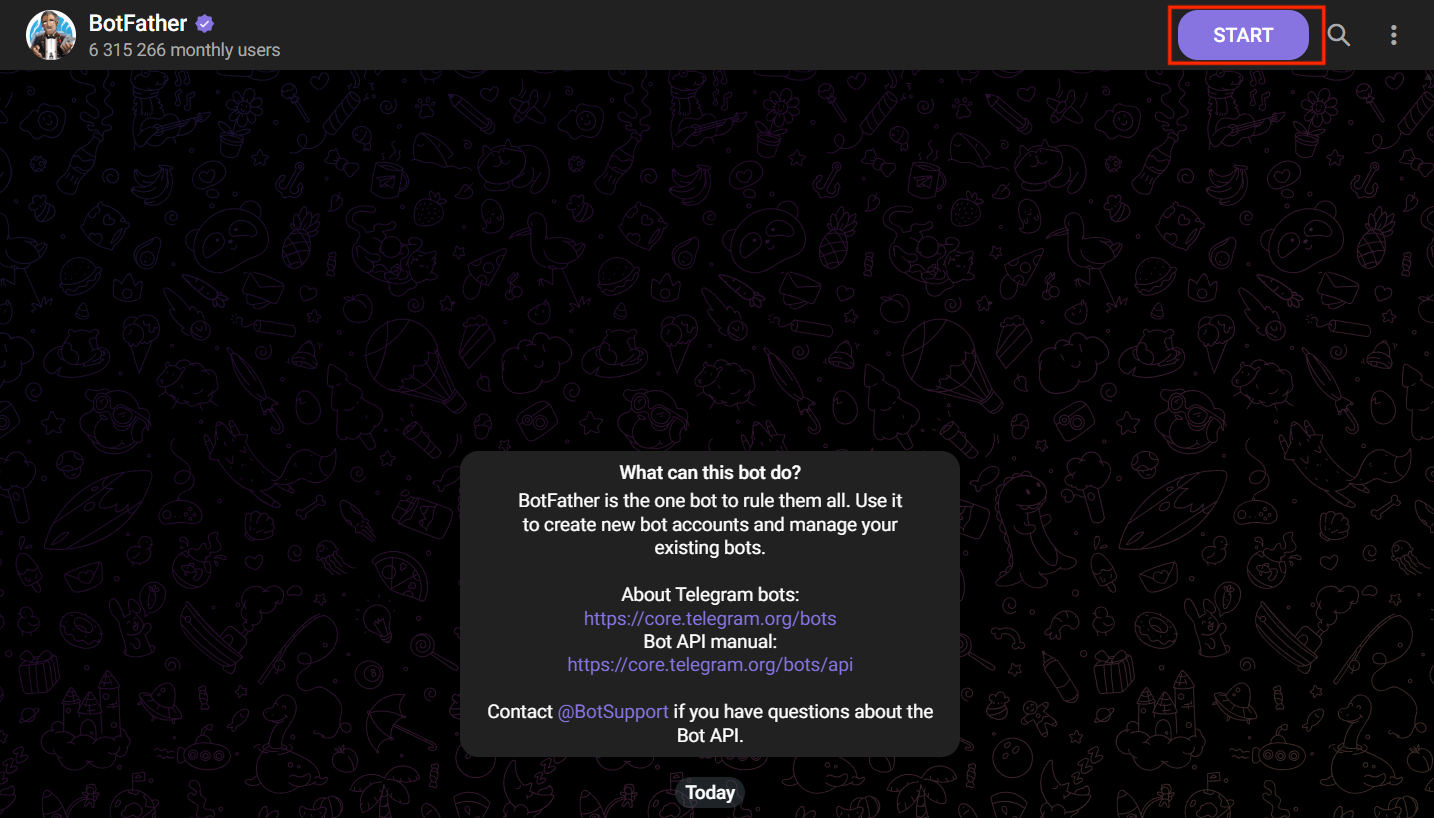
Once you click the Start button, you will see a message with available commands. Click the /newbot command to create a new bot.
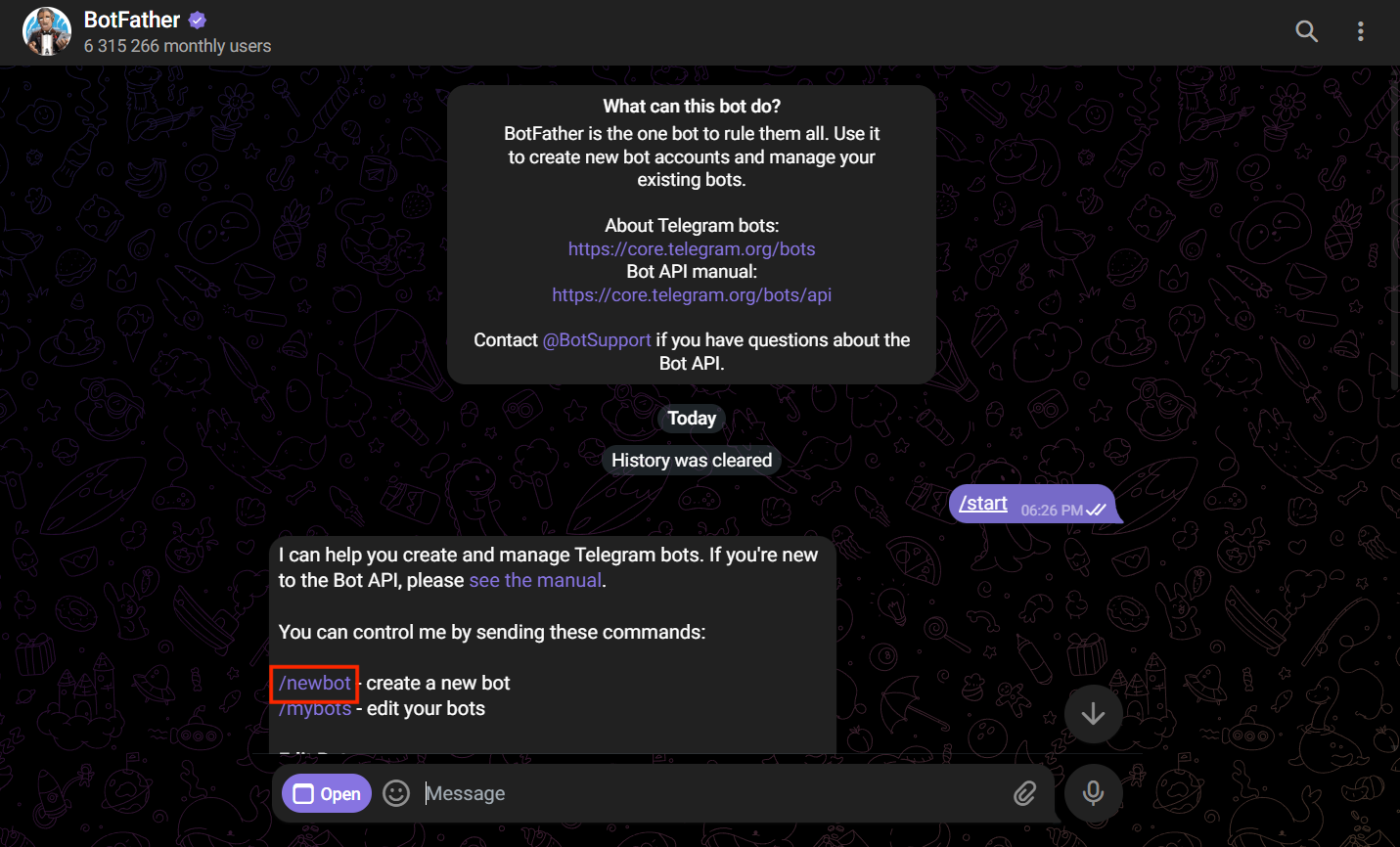
After clicking /newbot, type and send the name of your bot.
⚠️ The bot username must end with bot (for example: GoBizAlertsBot).
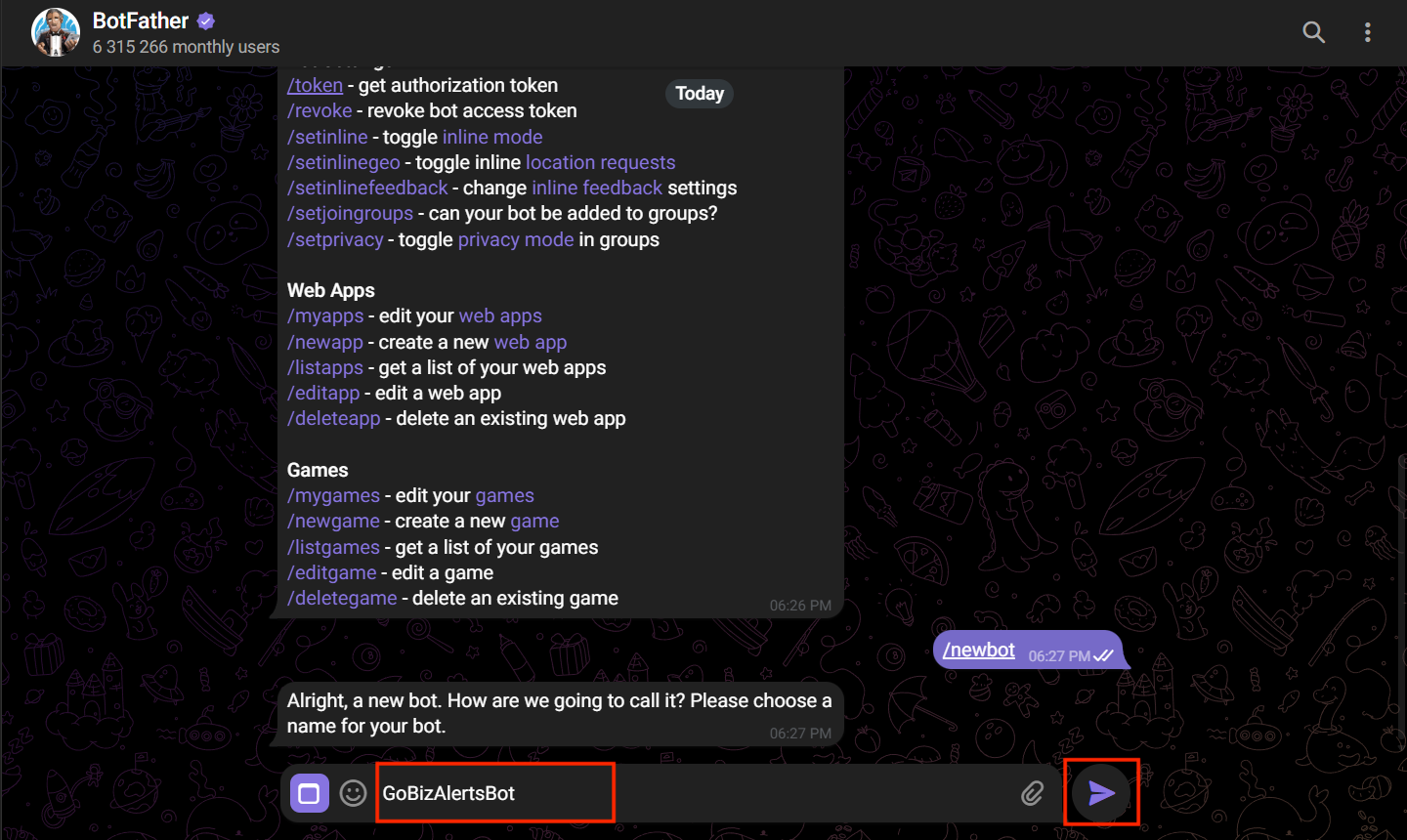
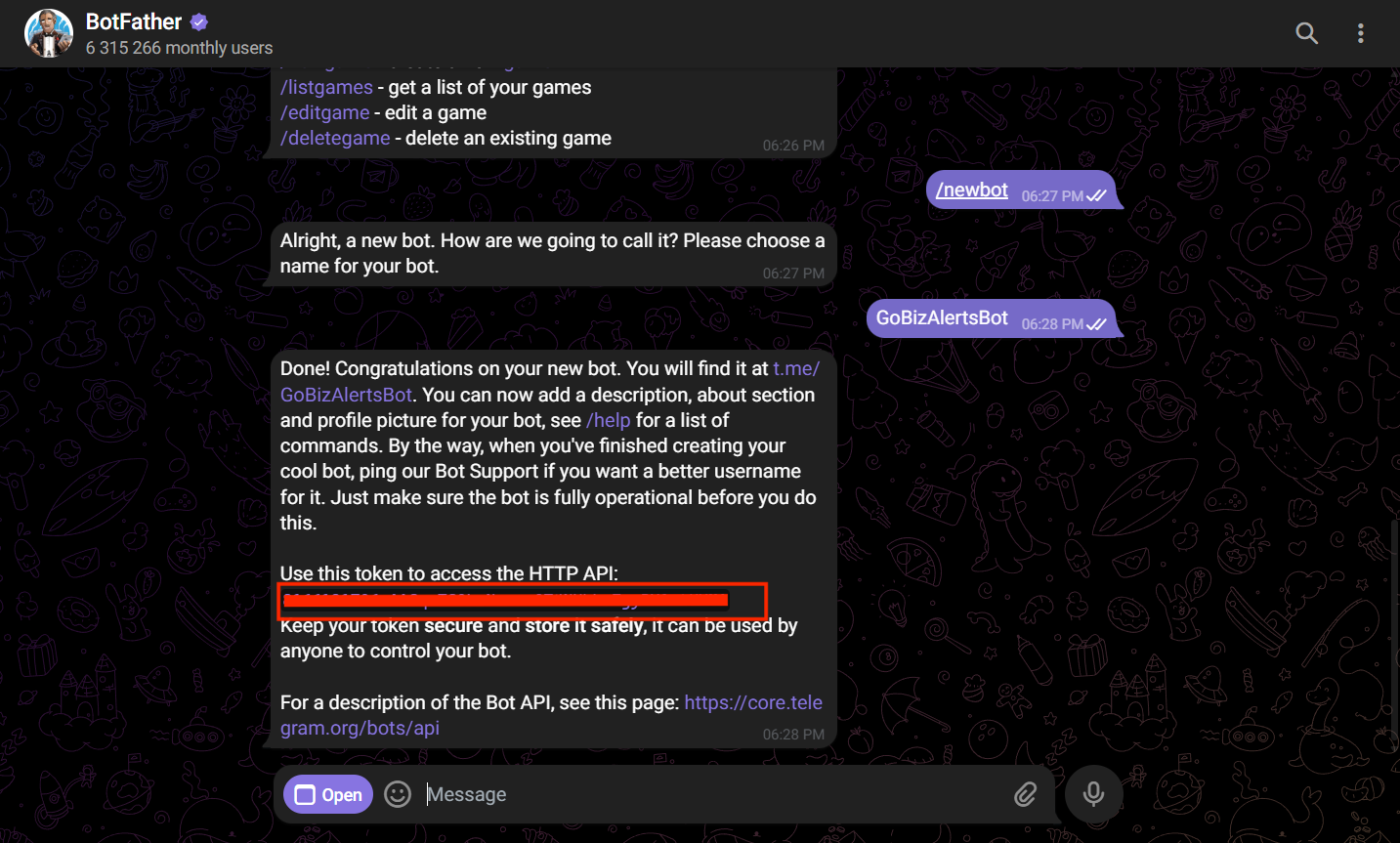
After submitting the bot name, you will receive a message containing your Bot Token.
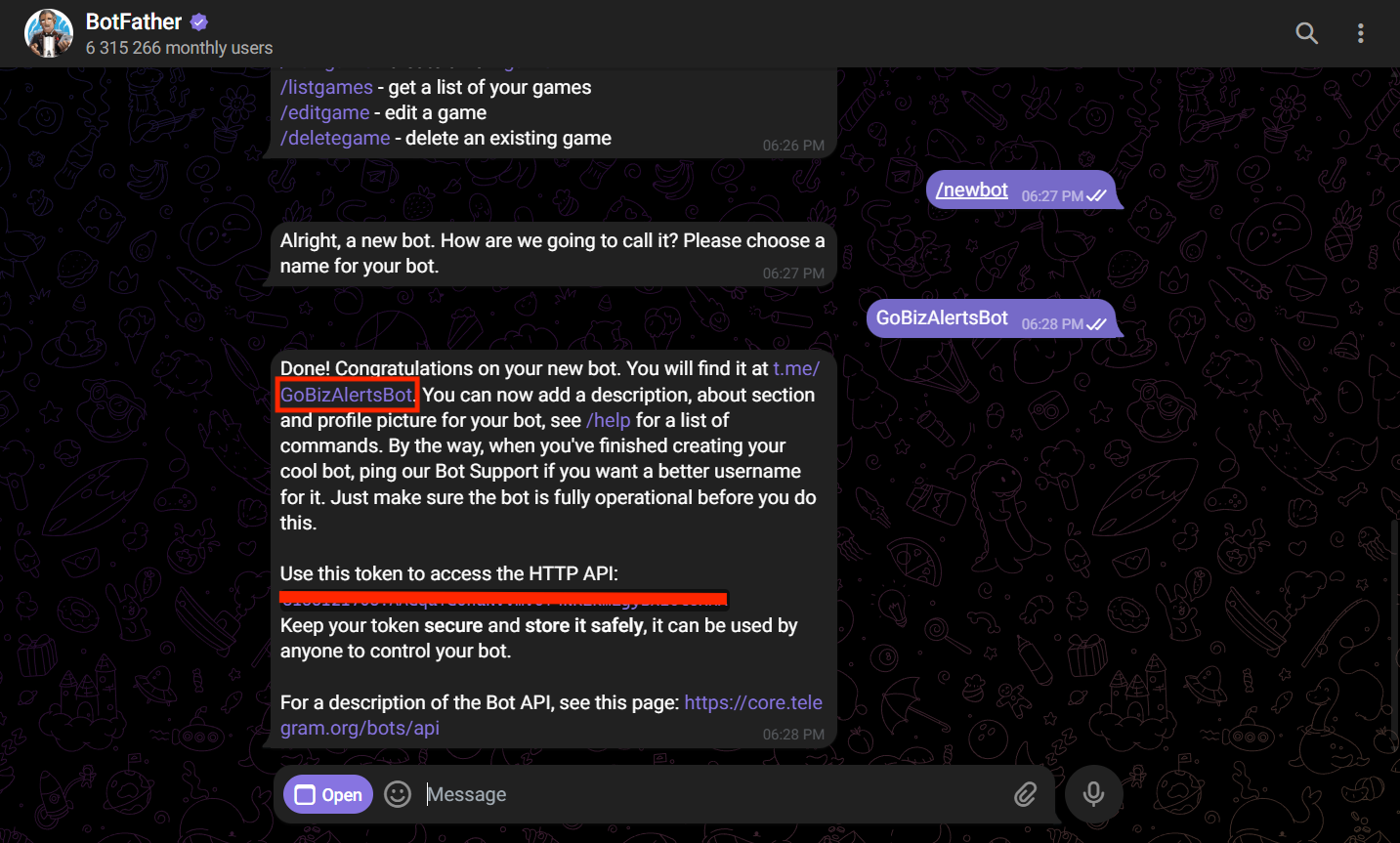
Click on the bot link provided in the message. This will redirect you to your newly created bot chat.
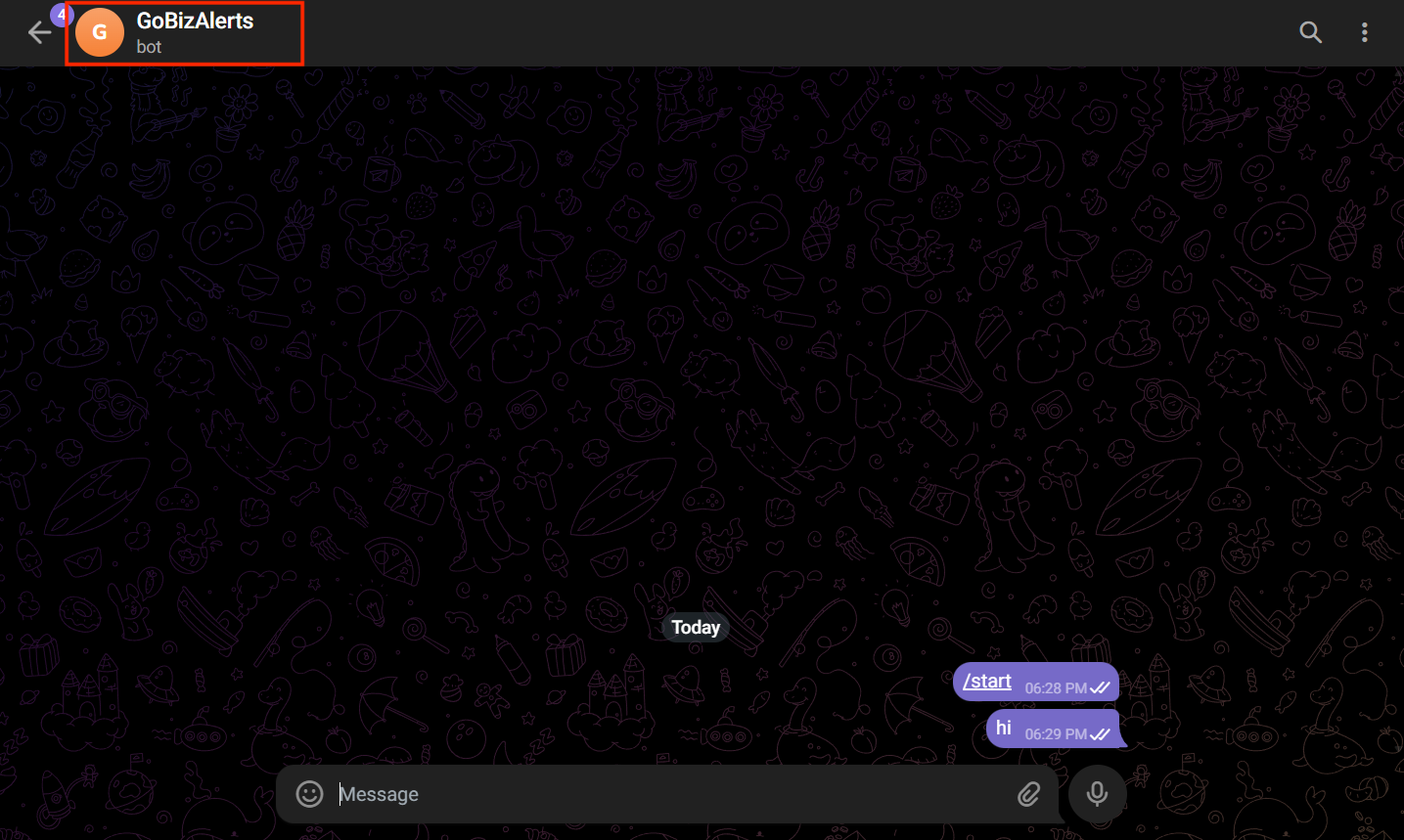
Once you are inside the bot chat, send two or more sample messages.
Next, open your browser and enter the following URL:
https://api.telegram.org/botYOUR_TOKEN/getUpdates
Replace YOUR_TOKEN with your actual bot token.
After loading the page, you will see your chat details, including the Chat ID.
Note: If you do not see any chat details, please send another message to your bot and refresh the page.
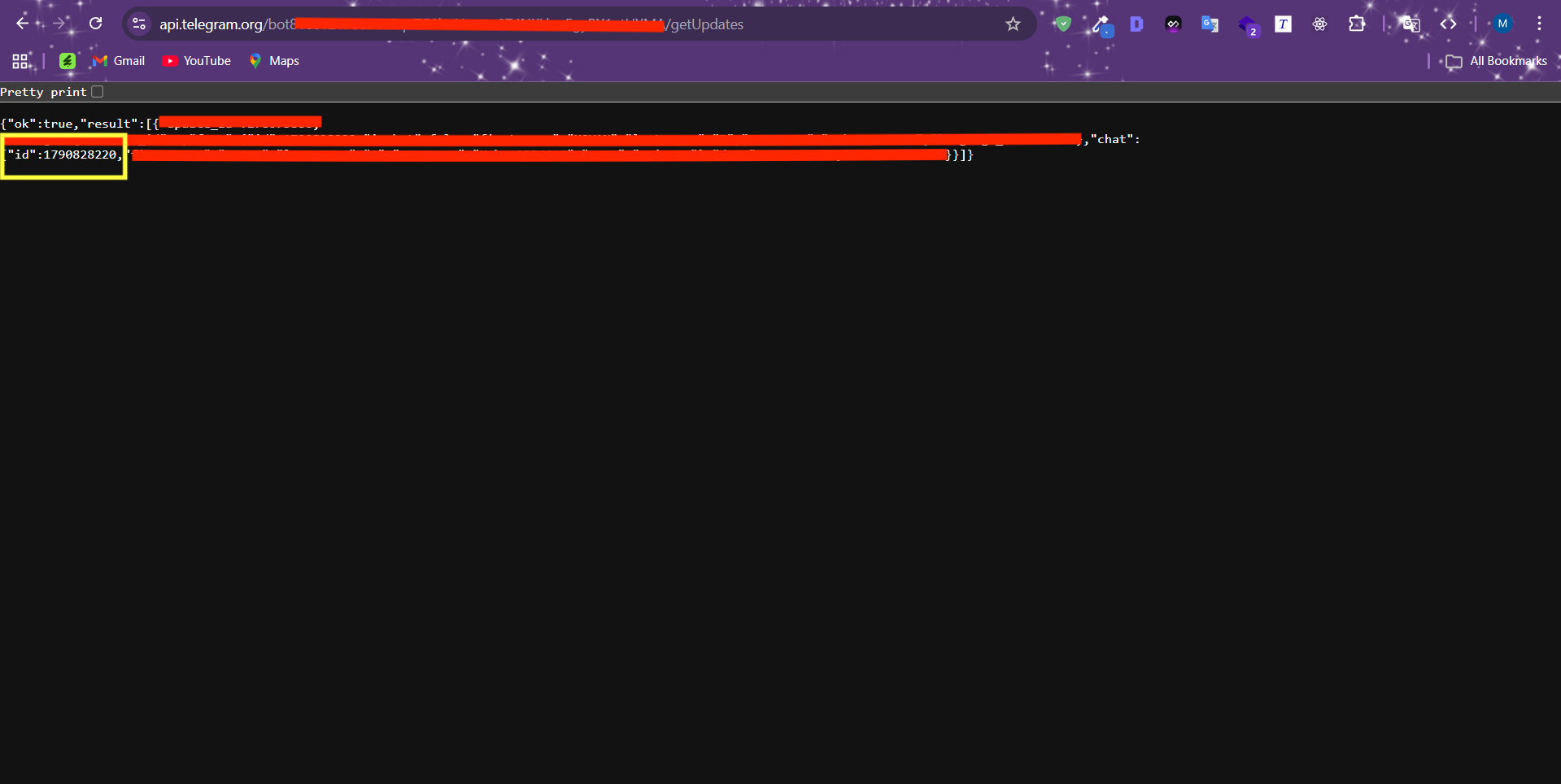
Copy the Chat ID and paste it into the plugin dashboard.