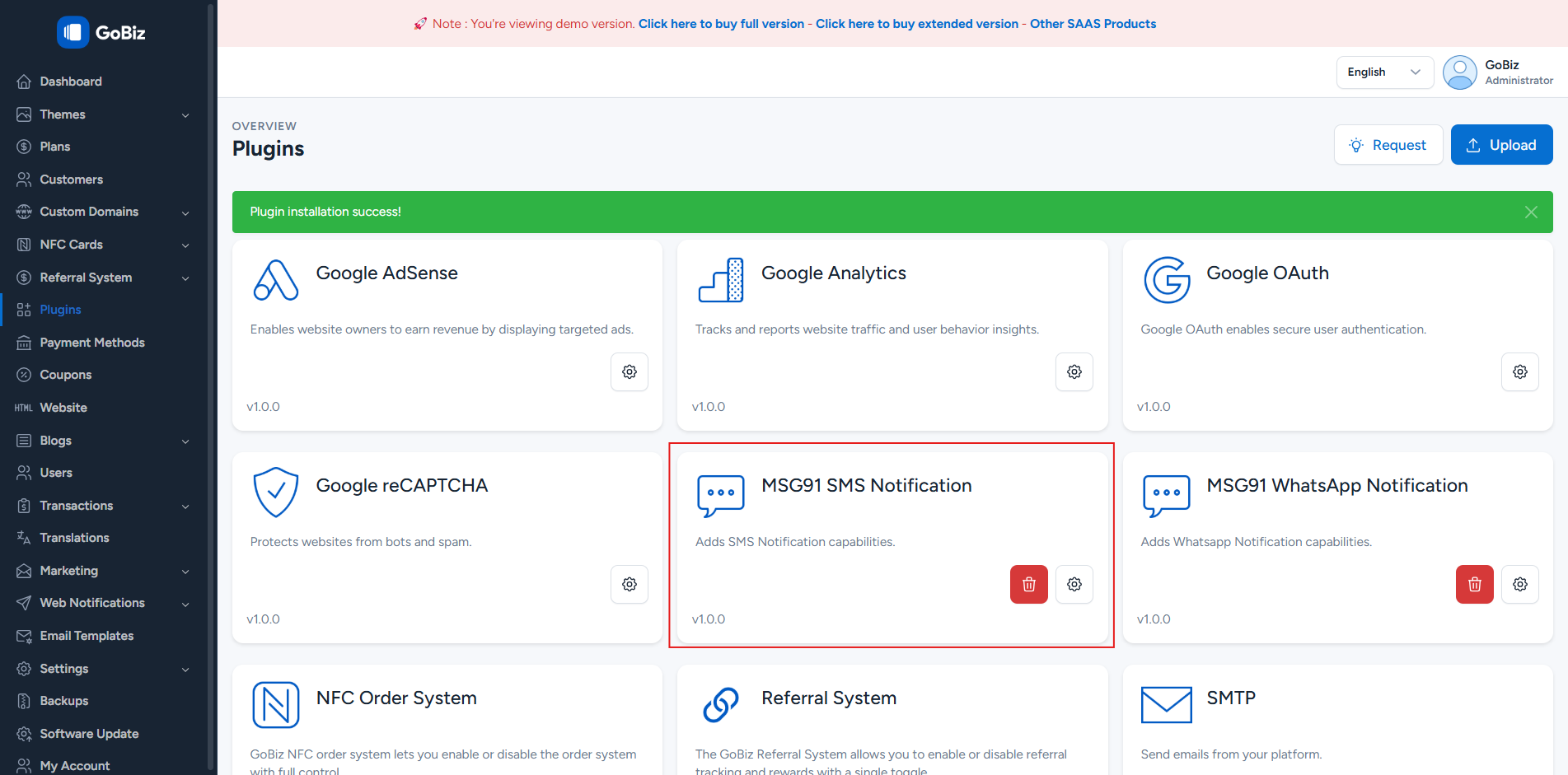
Appearance
The MSG91 SMS Plugin enables the system to send SMS notifications and verification messages using the MSG91 SMS service.
1. Download the File
After purchasing the plugin, you will receive a ZIP file. Unzip this file, and inside you will find the main plugin file that you need to upload and install.
Main file:
text
MSG91SmsNotification.zip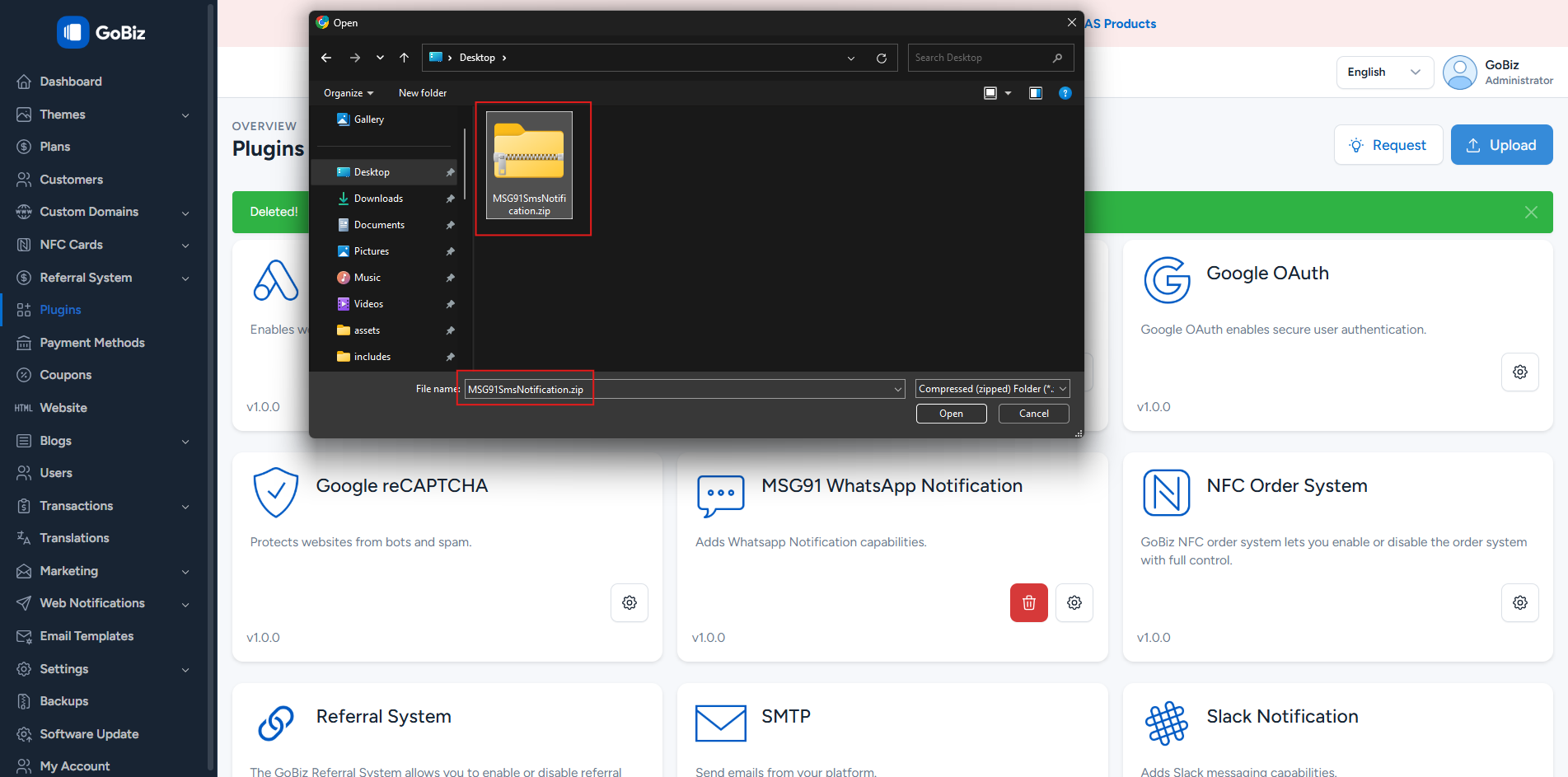
2. Upload the File
Upload the MSG91SmsNotification.zip file in the Plugins → Upload section of your platform.
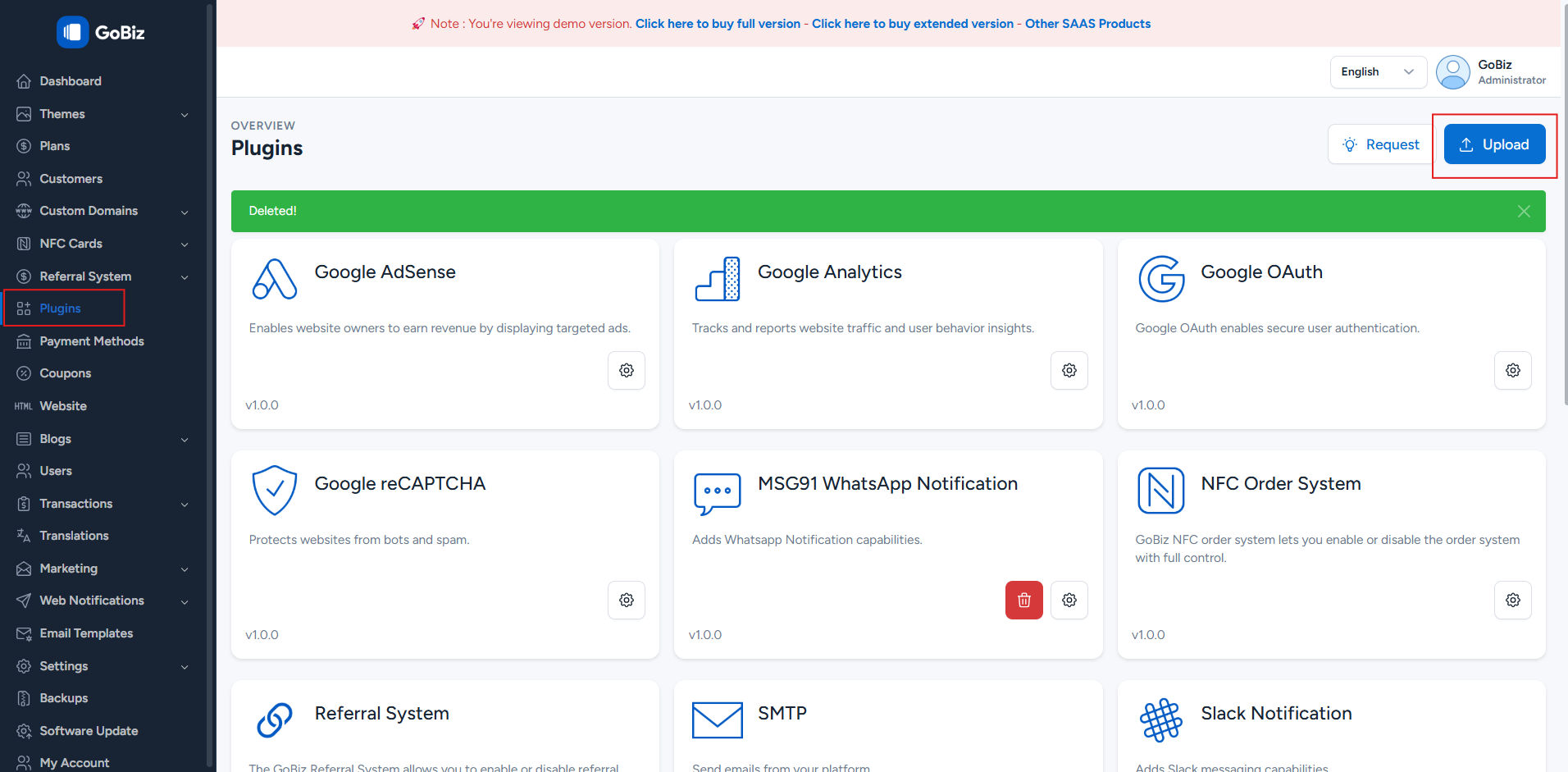
3. Plugin Installation
Once the upload is complete, you will see a successful plugin installation message along with MSG91 SMS Notification enabled.