Appearance
The Slack Notifications Plugin sends important system notifications and updates directly to Slack, keeping administrators informed about key activities.
1. Download the File
After purchasing the plugin, you will receive a ZIP file. Unzip this file, and inside you will find the main plugin file that you need to upload and install.
Main file:
text
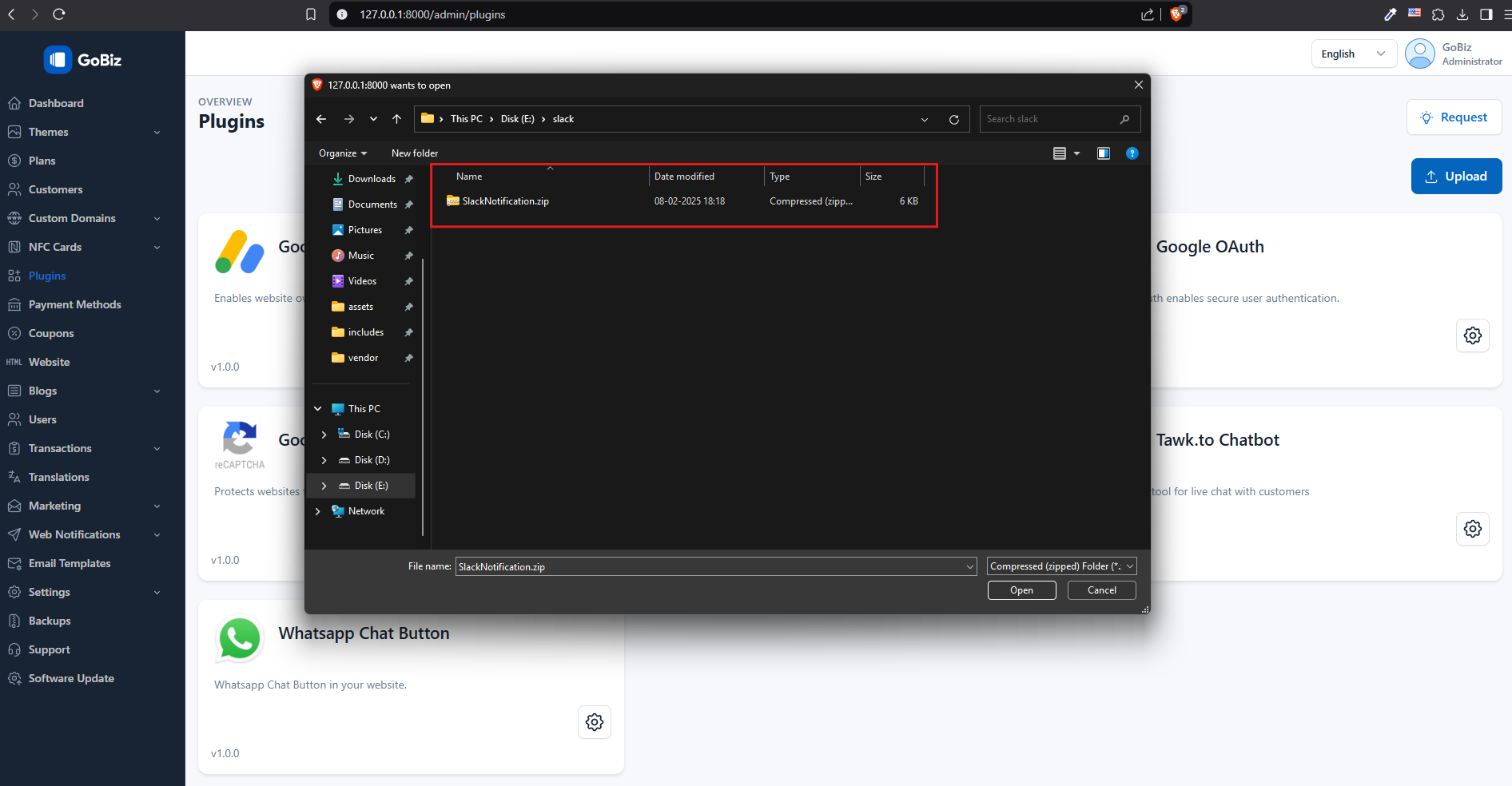
SlackNotification.zip2. Upload the File
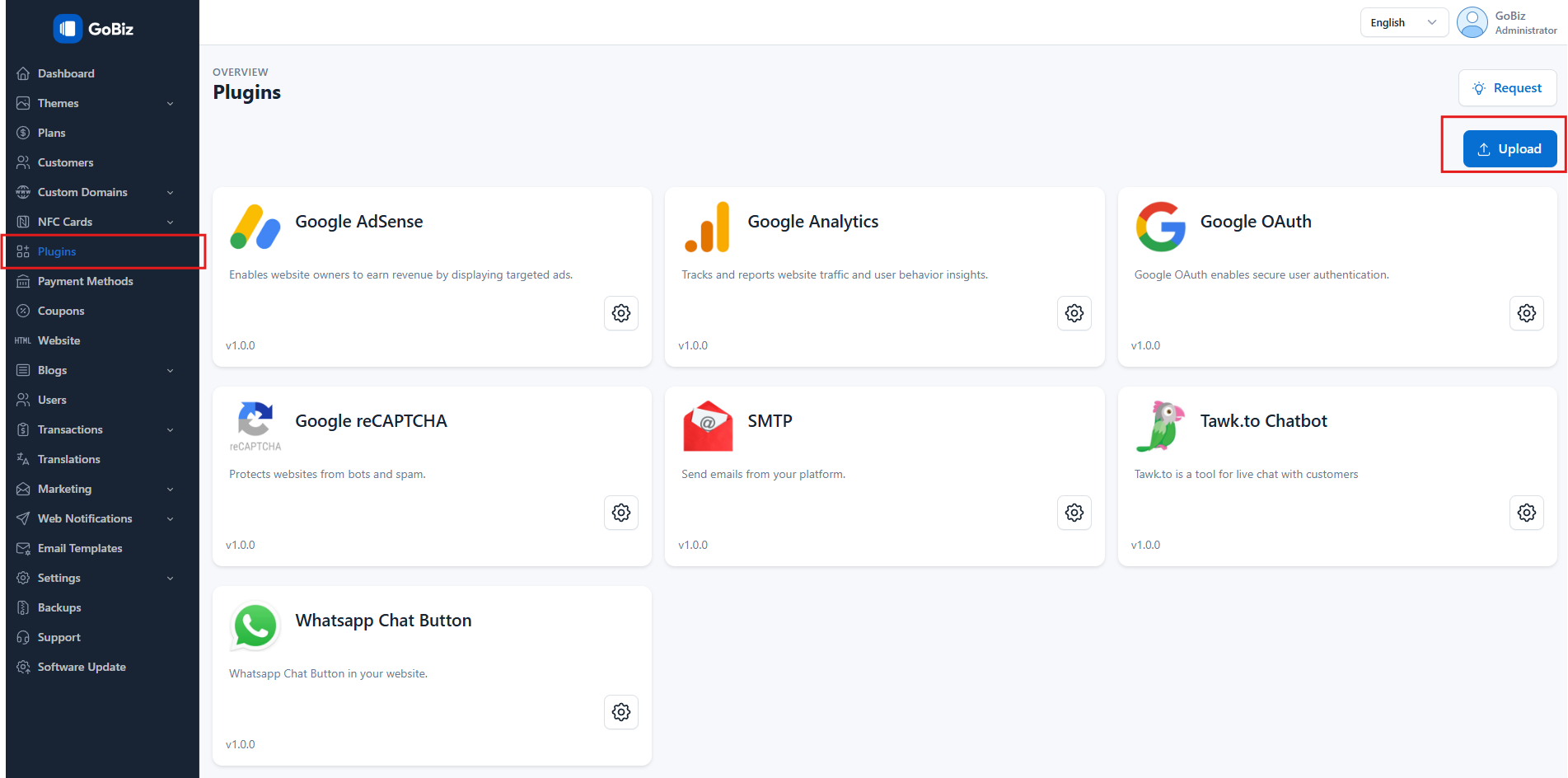
Upload SlackNotification.zip file in Plugins->Upload section.
3. Plugin Installation
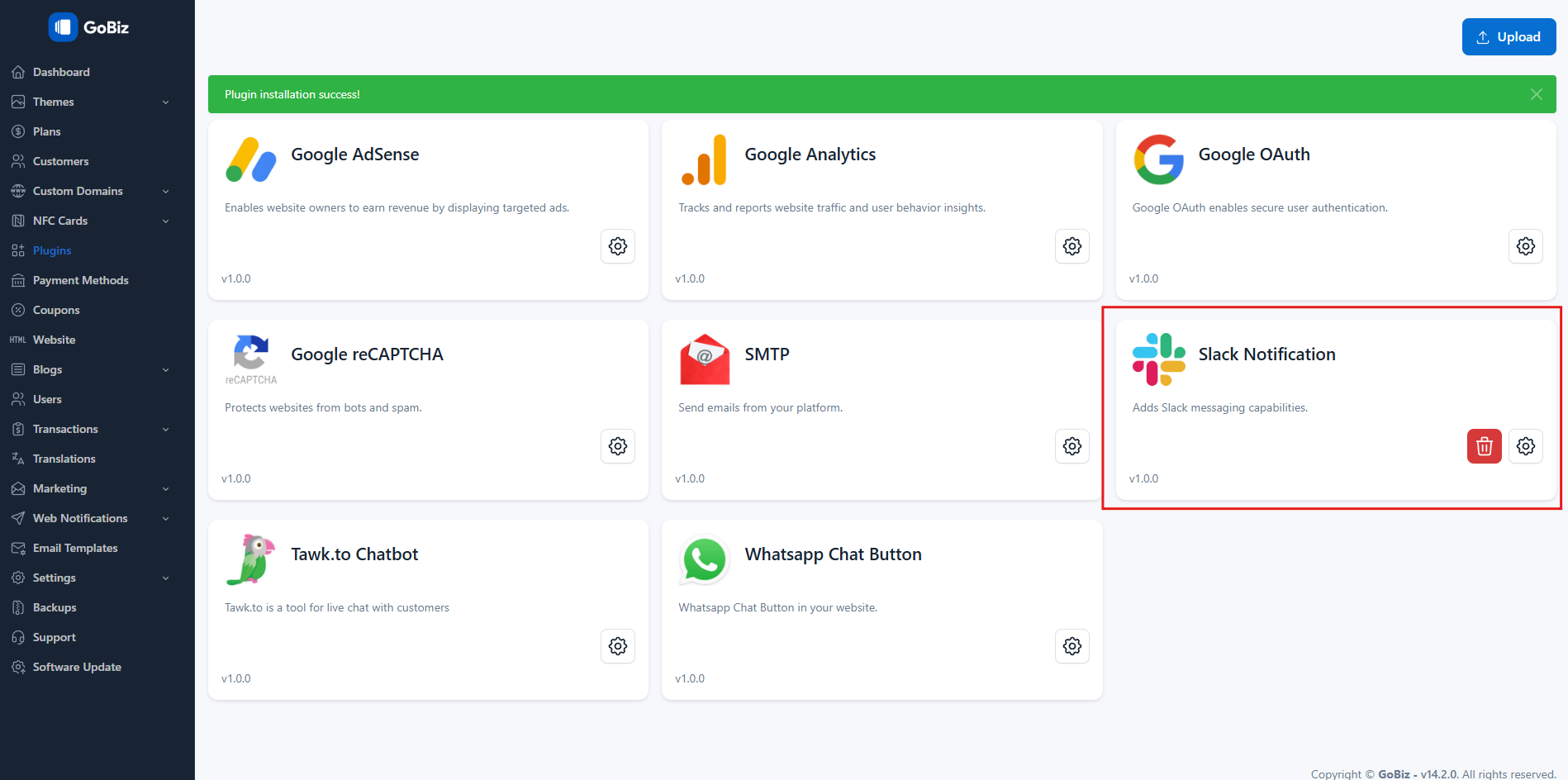
Once the upload is done, you will be able to see the plug installation success along with a Slack notification.