Appearance
The React Modern Dashboard Plugin provides a modern and responsive dashboard interface for user panel.
1. Download the File
After purchasing the plugin, you will receive a ZIP file. Unzip this file, and inside you will find the main plugin file that you need to upload and install.
Main file:
text
ModernDashboard.zip2. Upload the File
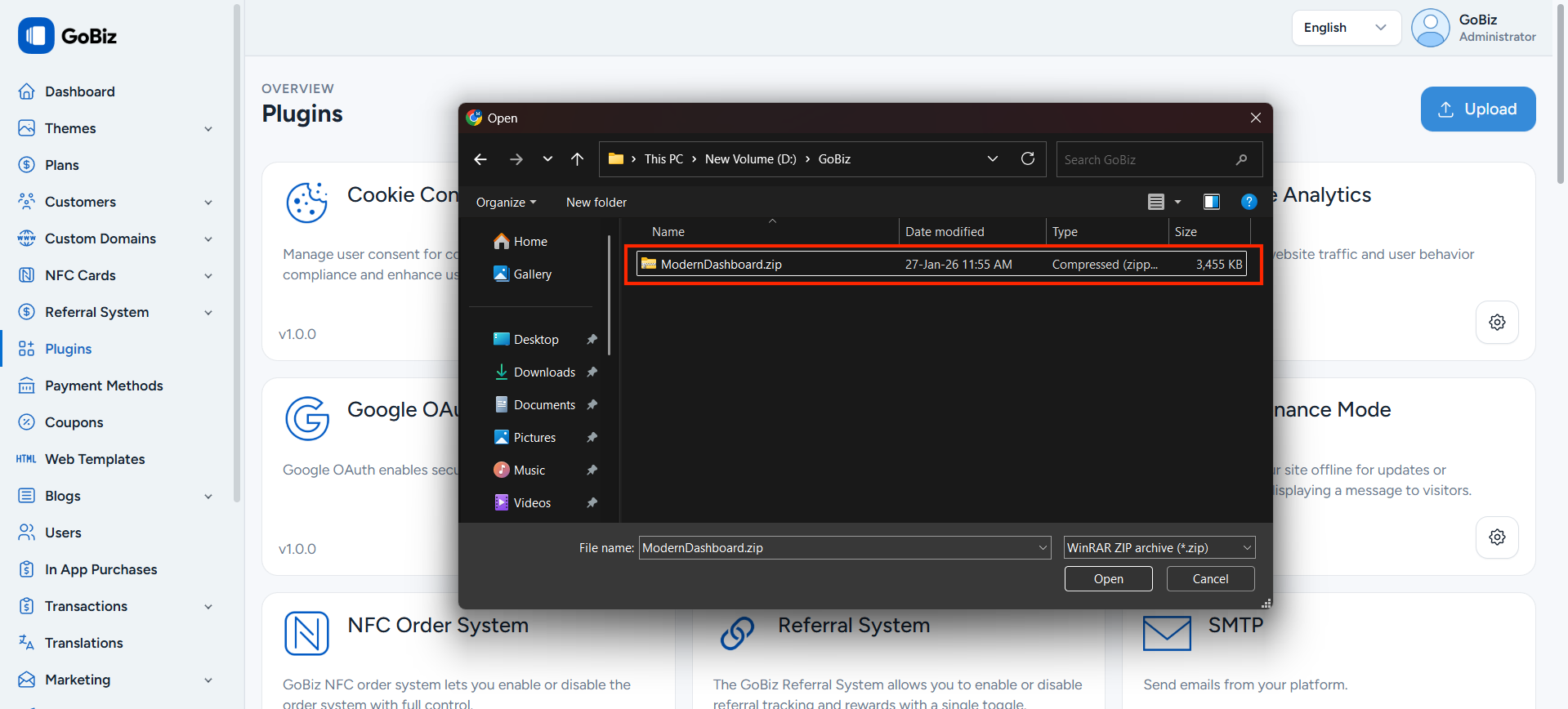
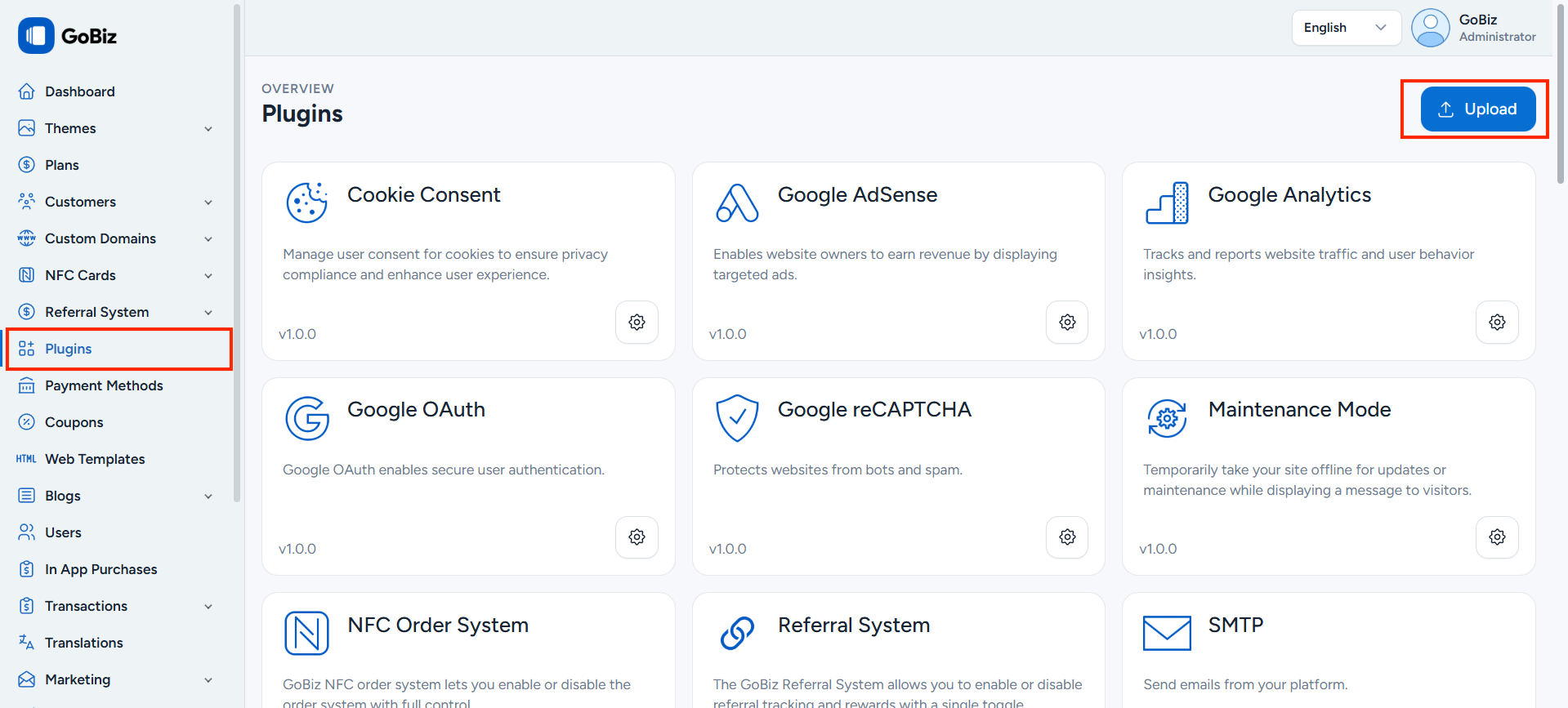
Upload ModernDashboard.zip file in Plugins->Upload section.
3. Plugin Installation
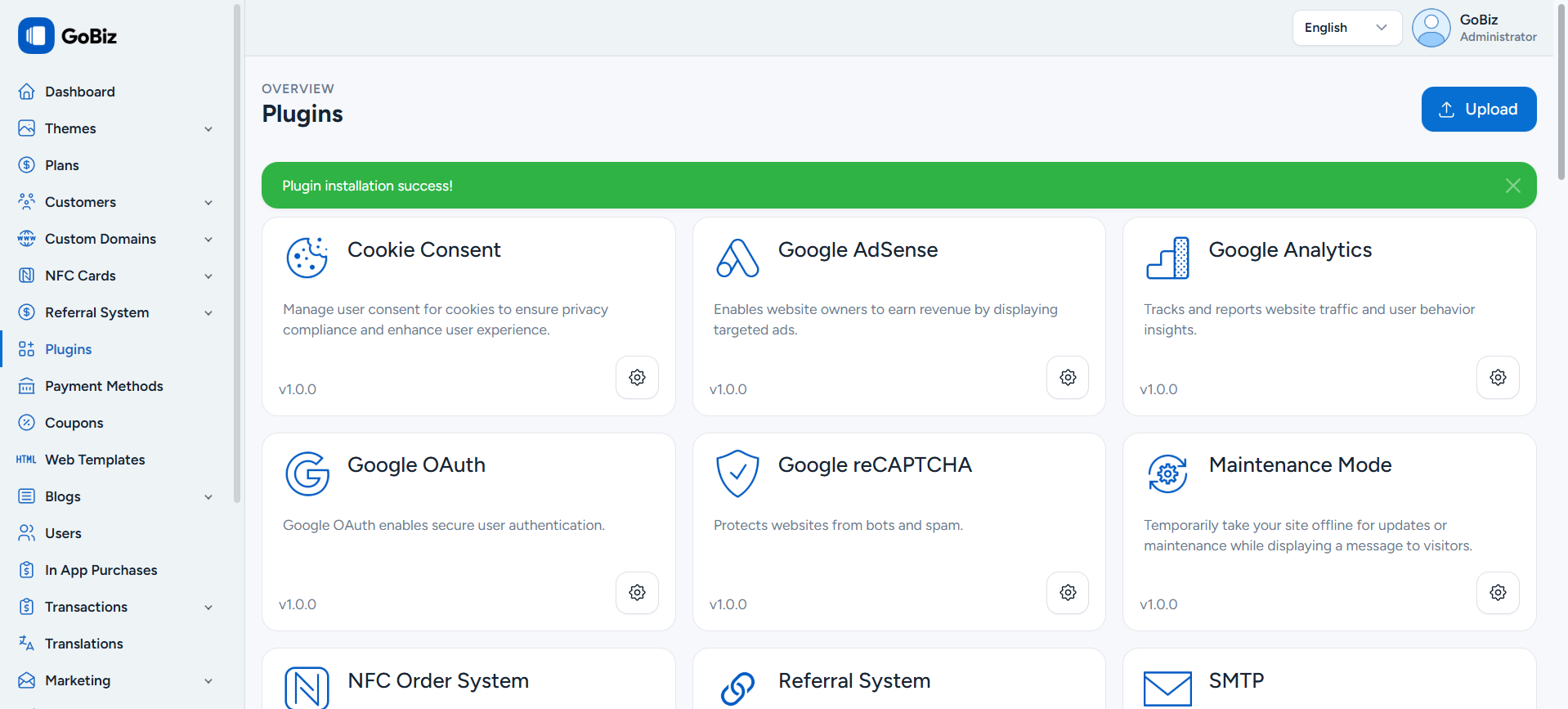
Once the upload is done, you will be able to see the plug installation success.
4. Plugin Configuration
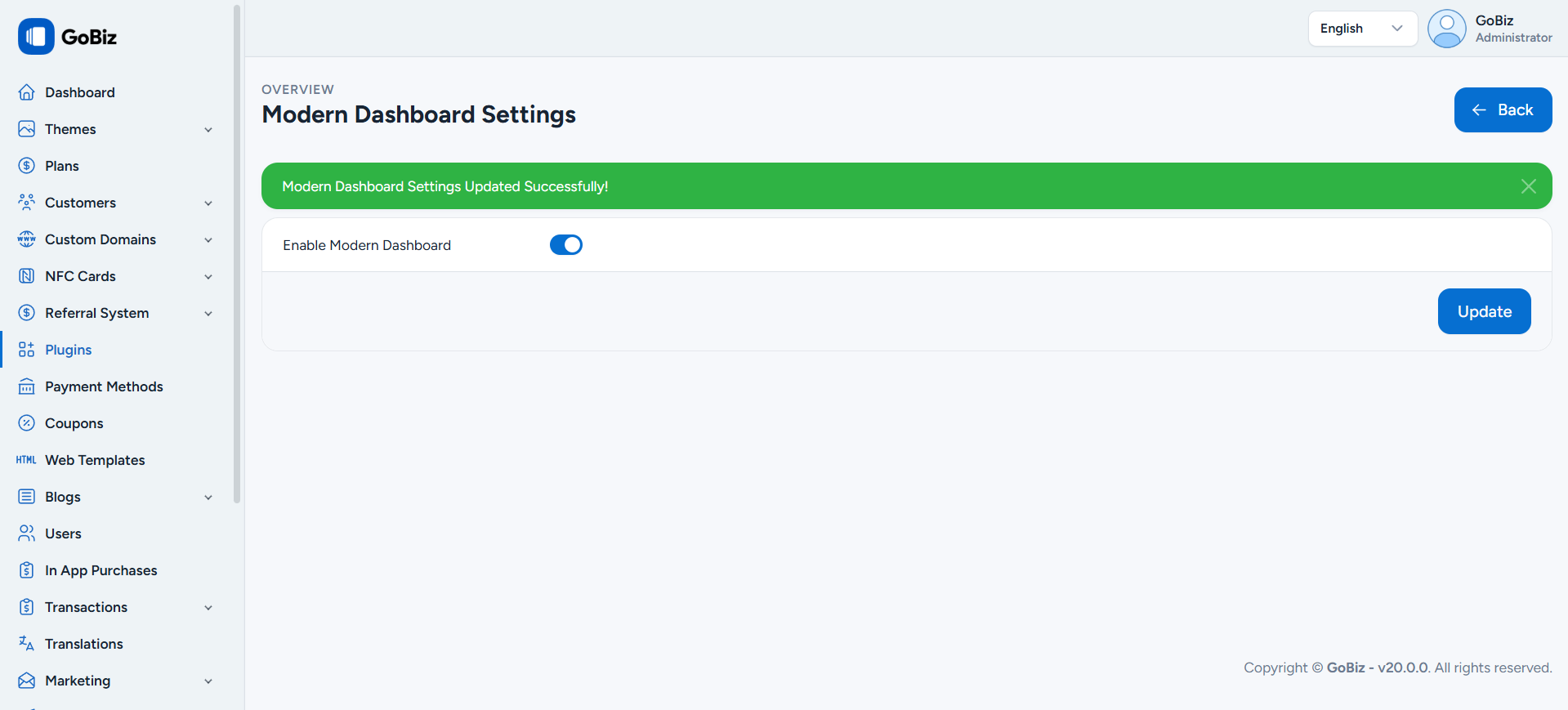
After installation, click the plugin settings icon to configure it. On the configuration page, enable Modern Dashboard and click the Update button.