Appearance
How to Configure PhonePe?
Last update: 12 Aug 2026
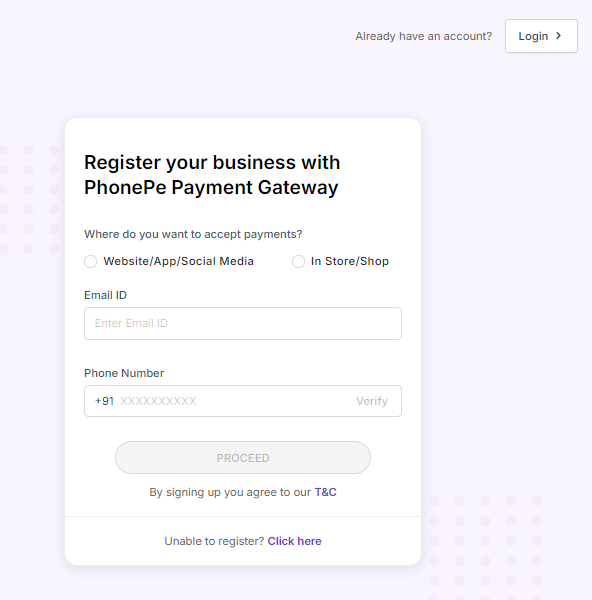
1. Sign In to PhonePe
Go to PhonePe.
If you already have a PhonePe account, sign in. Otherwise, create a new account.
2. Get the Merchant ID and Salt Key
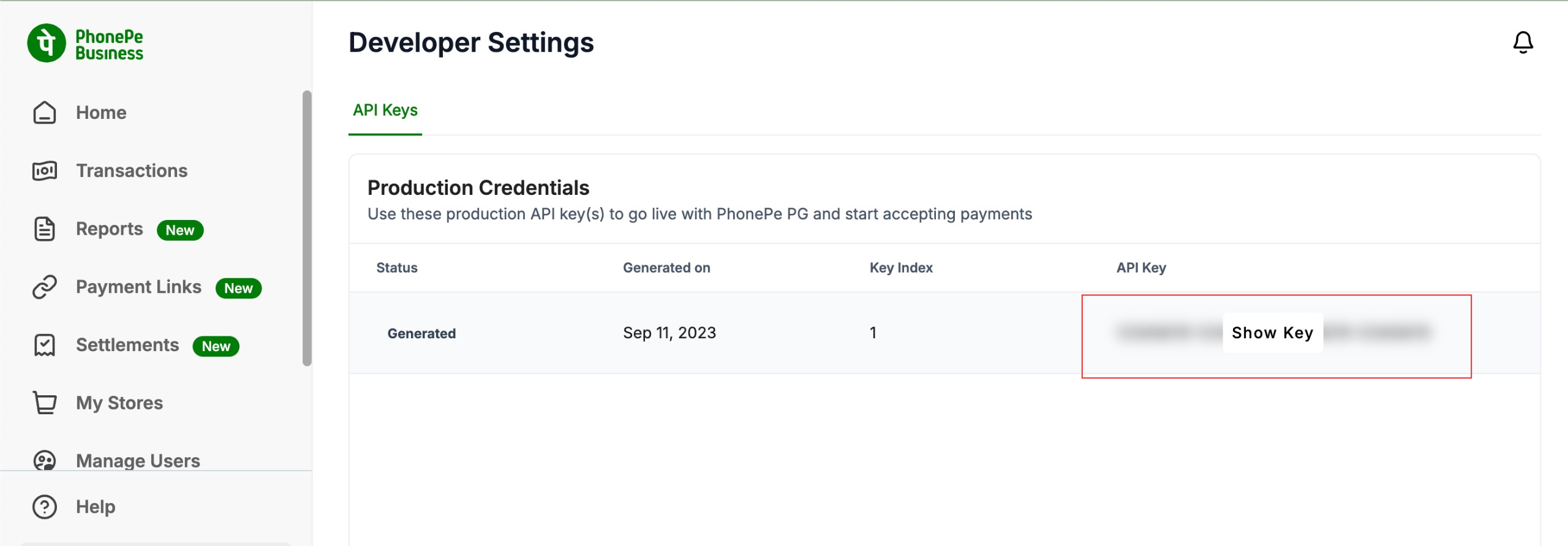
After registering for the PhonePe Payment Gateway, you will receive a Merchant ID and Salt Key. These credentials are required to integrate PhonePe with GoBiz.
If you don't have these credentials, contact the PhonePe support team to obtain them.
Configure the following callback URL in your PhonePe dashboard:
Callback URL:
https://yourdomain.com/phonepe-payment-status
Note
Replace
yourdomain.comwith your actual domain name.
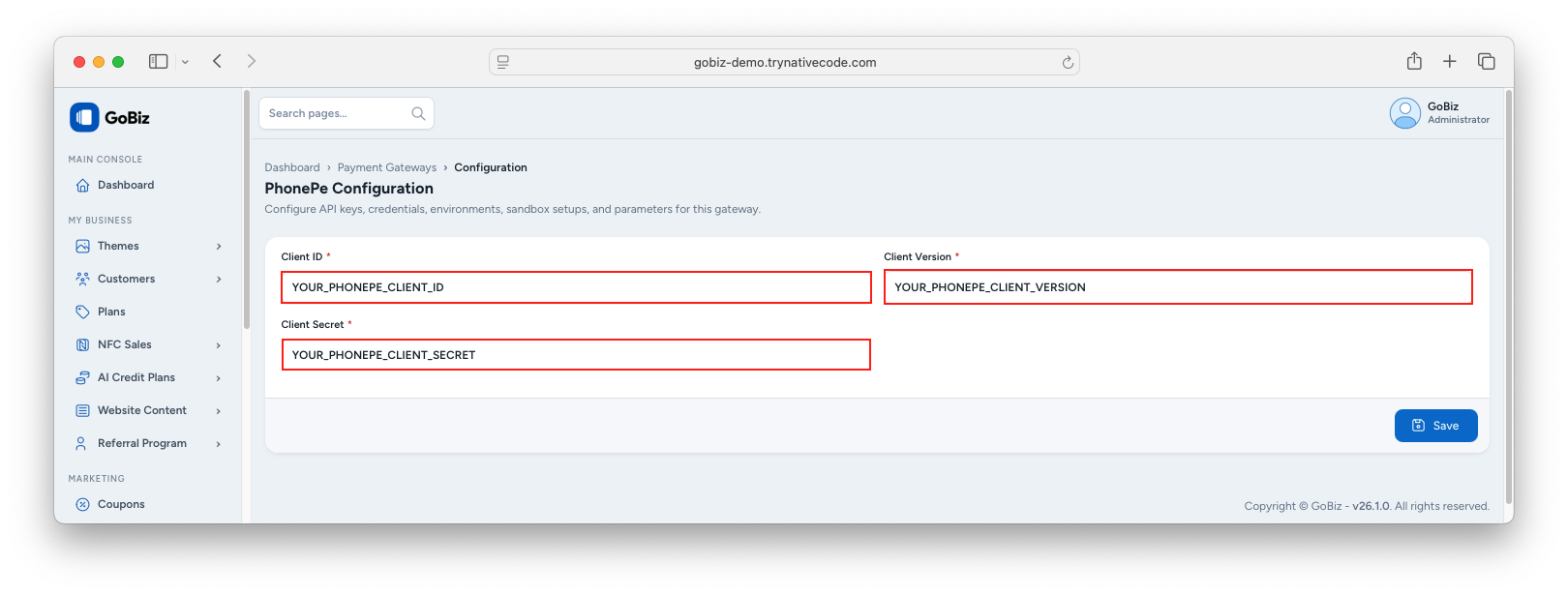
3. Configure PhonePe in the Admin Panel
Log in to your GoBiz Admin Panel and navigate to:
Payment Gateways -> PhonePe -> Configure
Enter your Merchant ID and Salt Key, then click Update to save the configuration.